
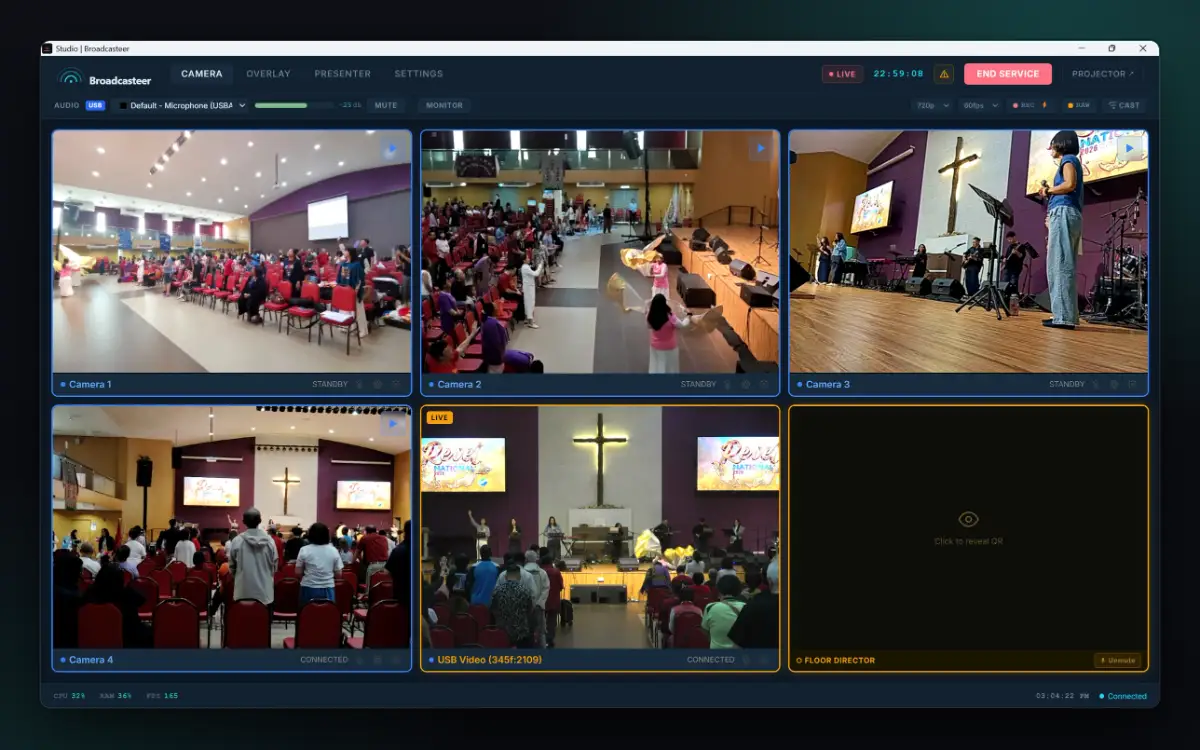
One person. Full production.
At REVEL National 2026, a 33-hour worship event at Shekinah Methodist Church in Sitiawan, one Studio ran four cameras and a USB camera. This is that screen, with the service clock at 22:59:08.
Sunday service, a wedding, a wake, a school concert. The system doesn’t change, only the occasion does. Every picture on this page is the real Studio and the real phone screens.
At REVEL National 2026, a 33-hour worship event at Shekinah Methodist Church in Sitiawan, one Studio ran four cameras and a USB camera. This is that screen, with the service clock at 22:59:08.
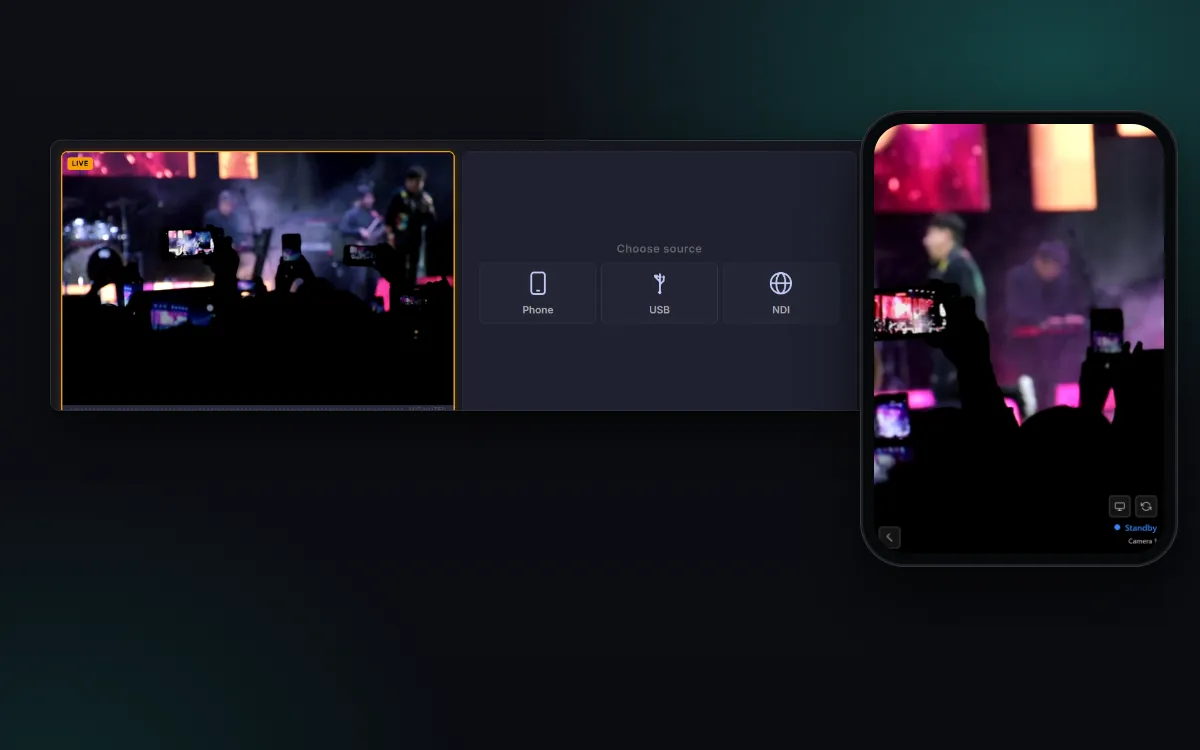
Every phone in the room already has a better sensor than most churches can afford to wire in. iPhone or Android, whatever the volunteer pulled out of their pocket.
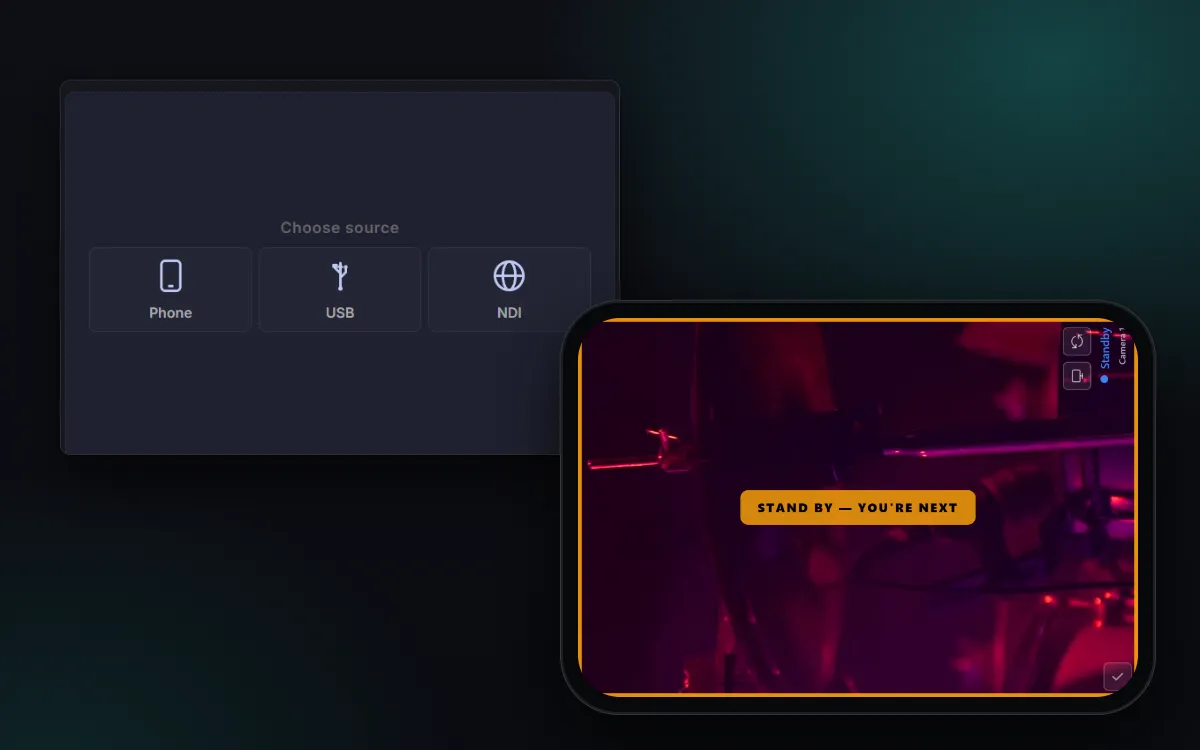
Camera operators open the phone’s browser and scan the code on an empty camera tile. No App Store, no account. The first time, an Android phone trusts a security certificate from the same screen; iPhones use the Remote code, because Safari makes installing a certificate hard.
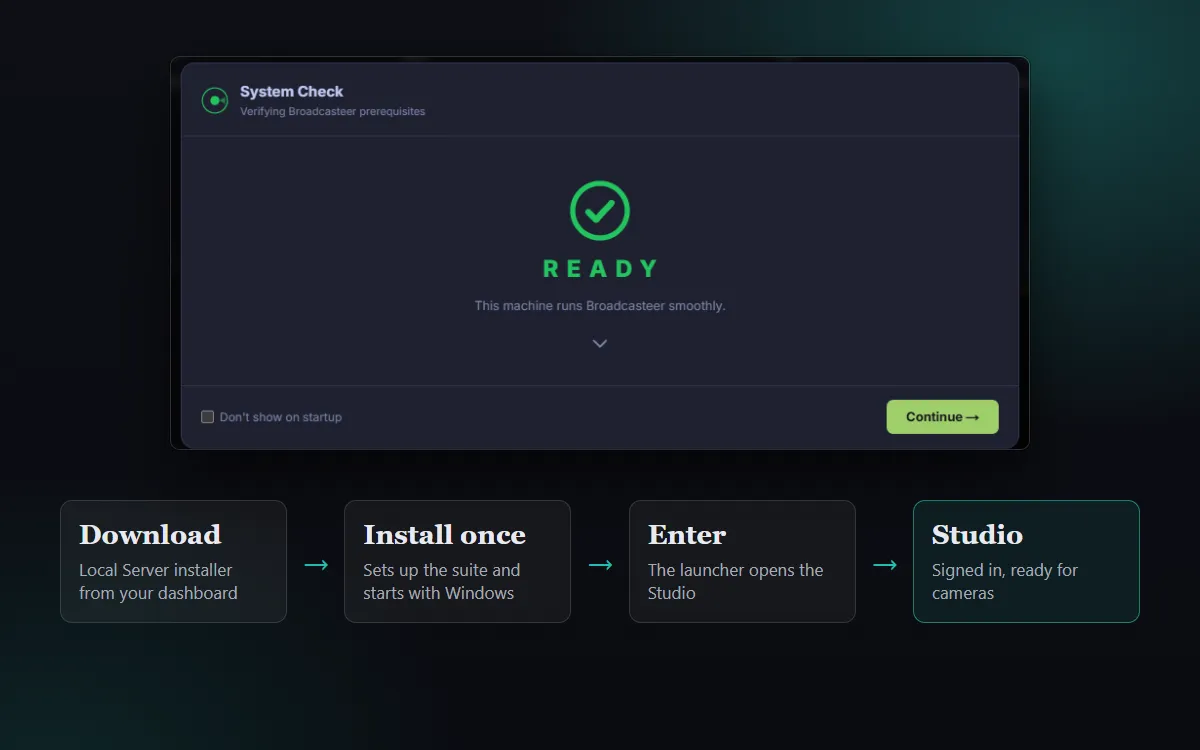
Download Studio, install it once, and it opens with a System Check. The first-live-stream tutorial takes you from download to a YouTube stream in ten steps; after that, each phone joins in about 90 seconds.
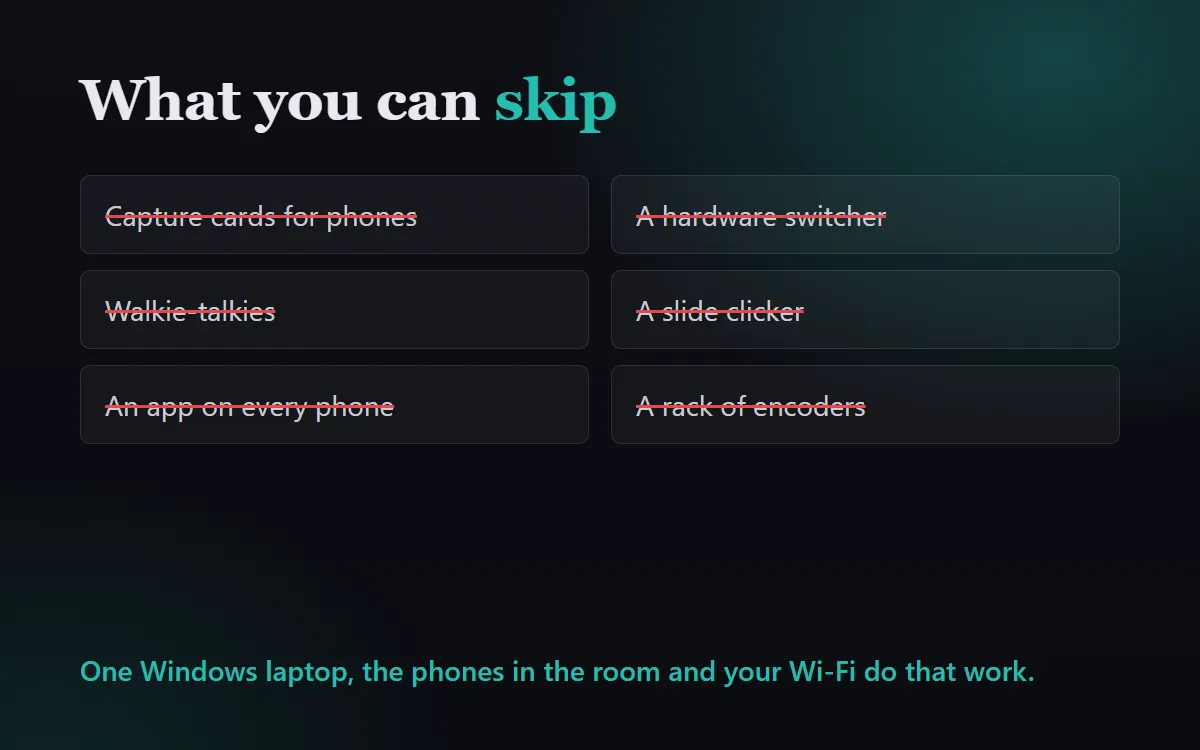
No capture cards for phones, no hardware switcher, no walkie-talkies, no slide clicker. A Windows laptop, the phones in the room and your Wi-Fi do that work.
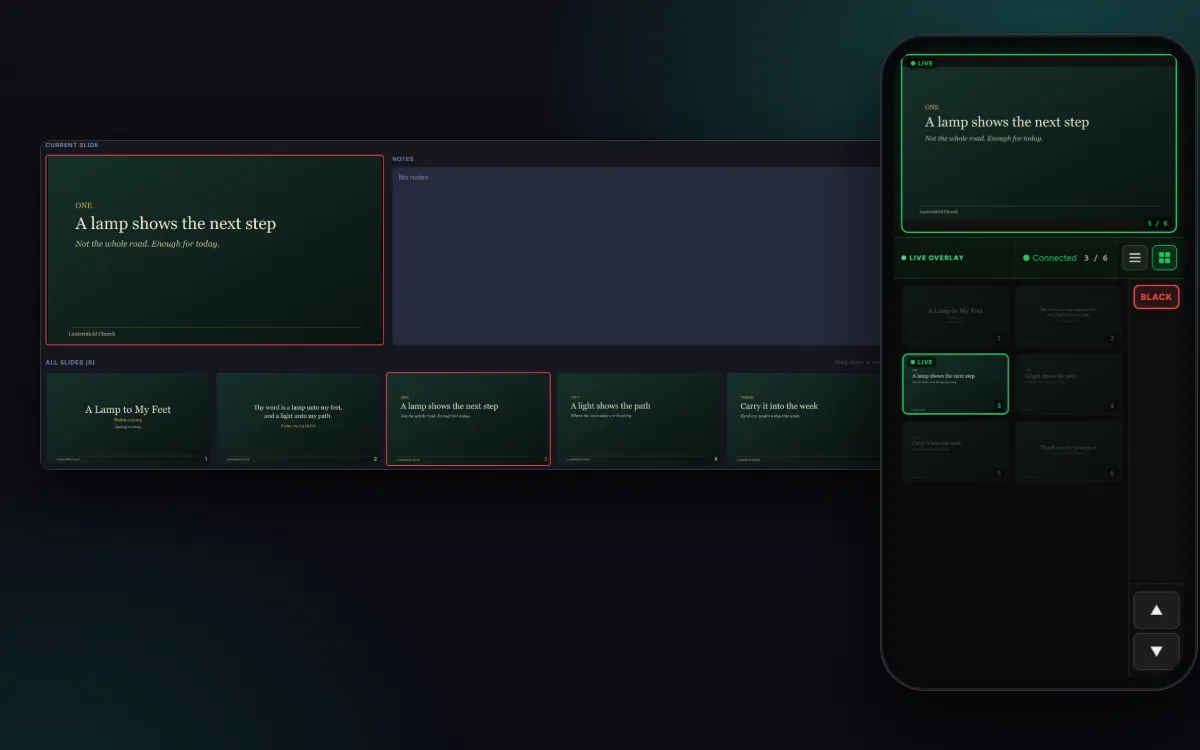
They scan once and move their own slides from their phone. The booth follows, and can still take the screen back with one tap on Black.
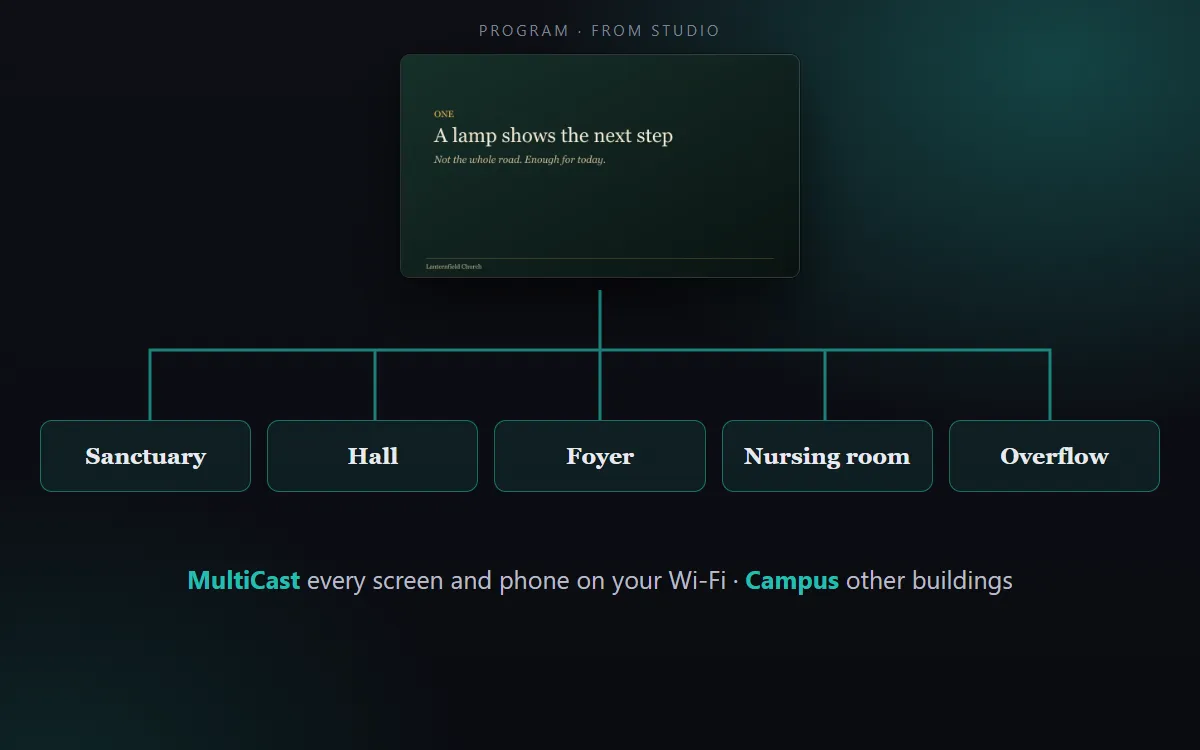
Sanctuary, hall, foyer, nursing room, overflow. MultiCast puts the service on every screen and phone on your Wi-Fi, in sync, and Campus carries it to your other buildings.
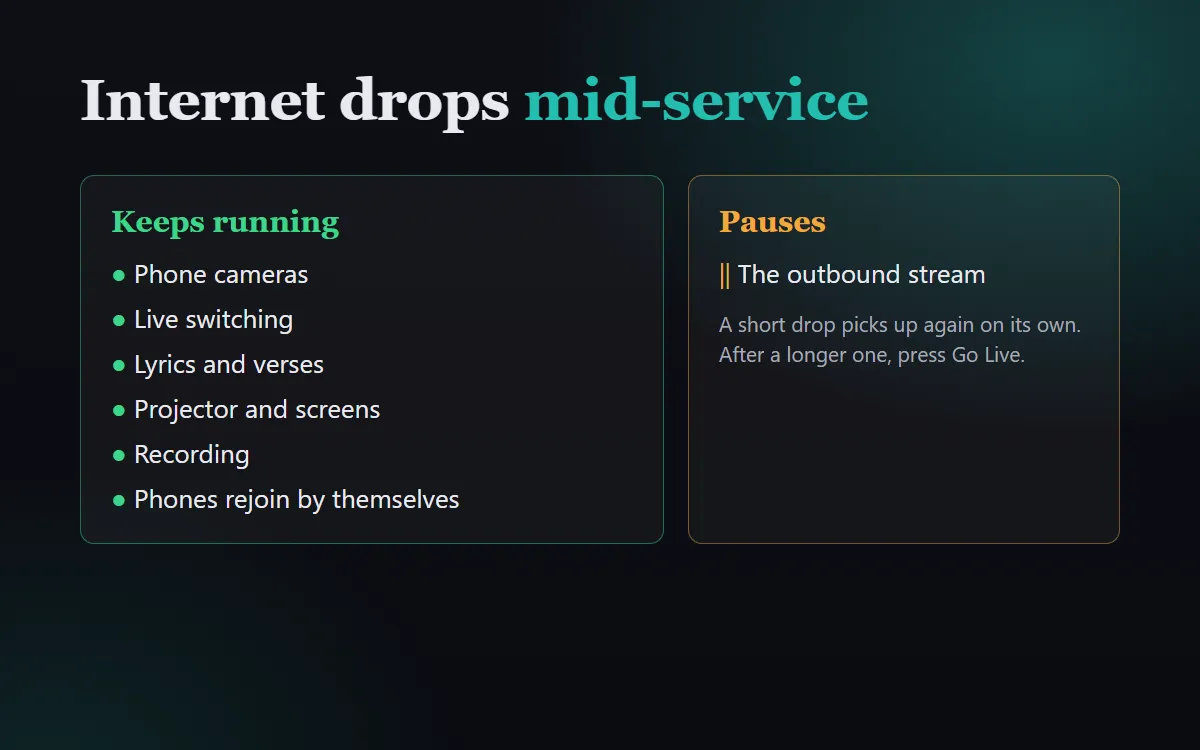
If the connection goes mid-service, the cameras, switching, lyrics, projector and recording keep running, and a phone that drops rejoins by itself. Only the outbound stream pauses; after a longer outage, press Go Live again.
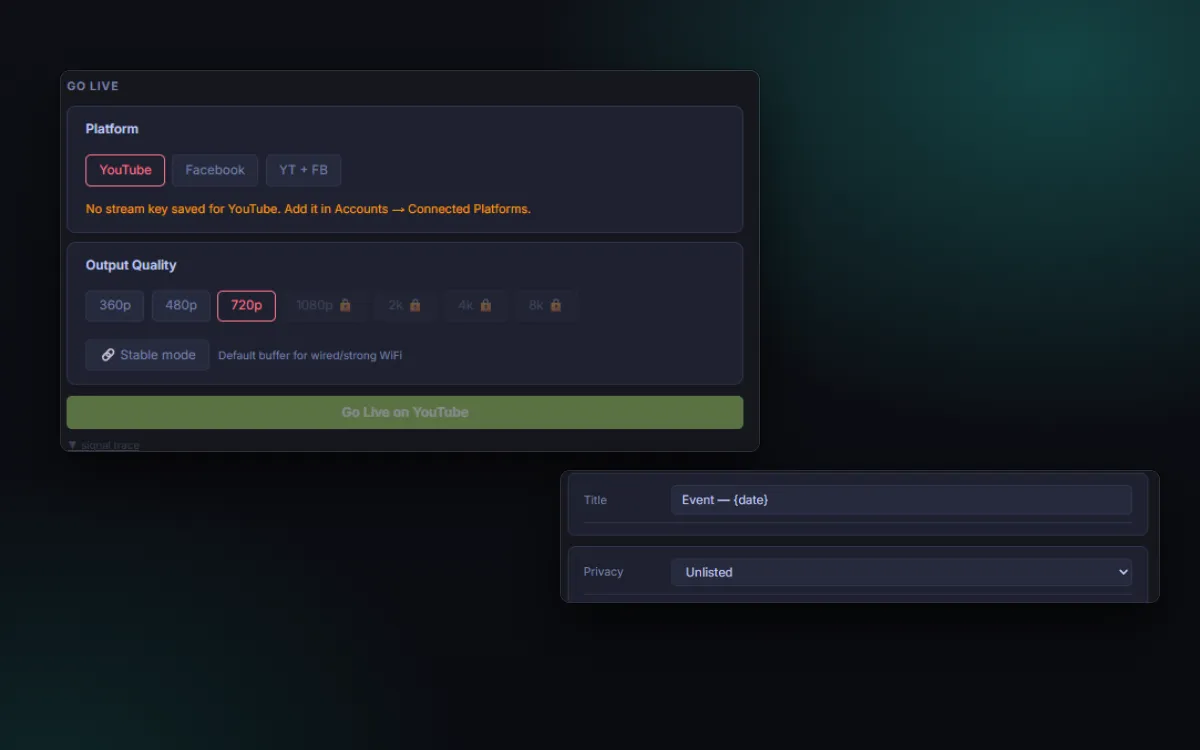
Rehearse with no internet at all, stream unlisted, or go public on YouTube or Facebook. You decide who sees it, every time, before you go live.
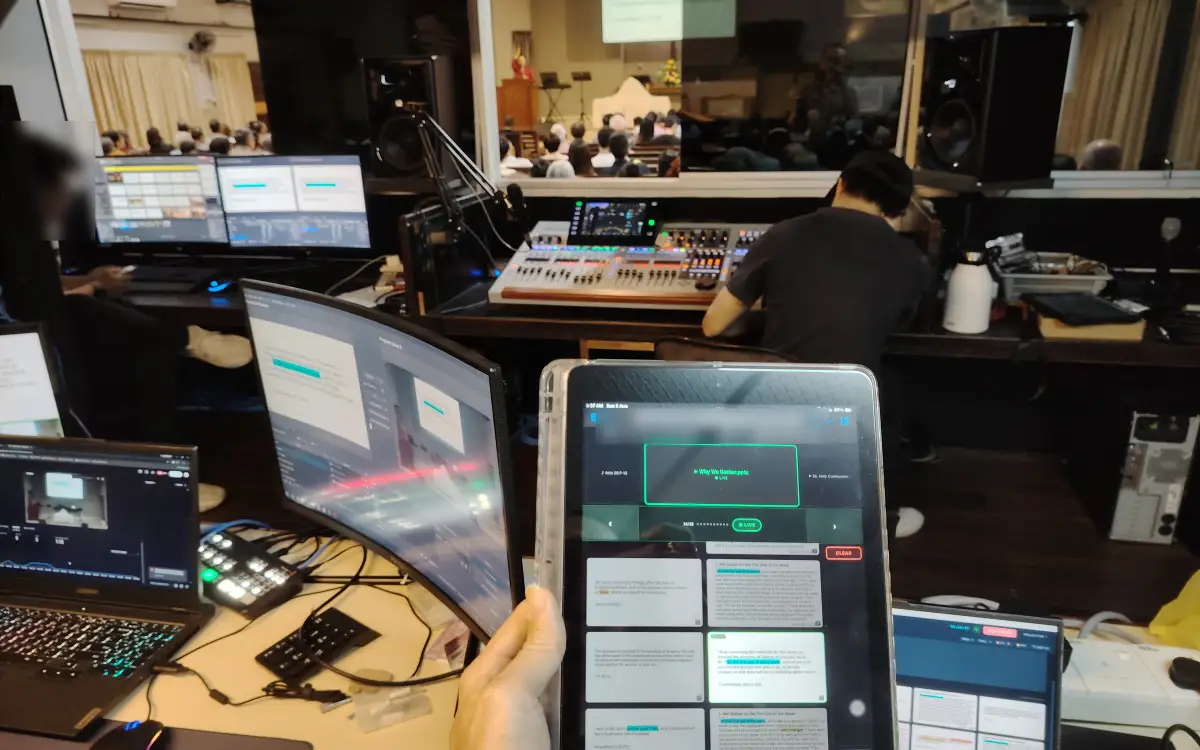
Sunday, 2 August 2026, in the booth at Wesley Methodist Church Sitiawan: the plan on an iPad, the sound desk, the congregation beyond the glass. Twenty years of church AV, lived rather than researched.
Churches and events running Broadcasteer, photographed on the day. Screens with private details are blurred.
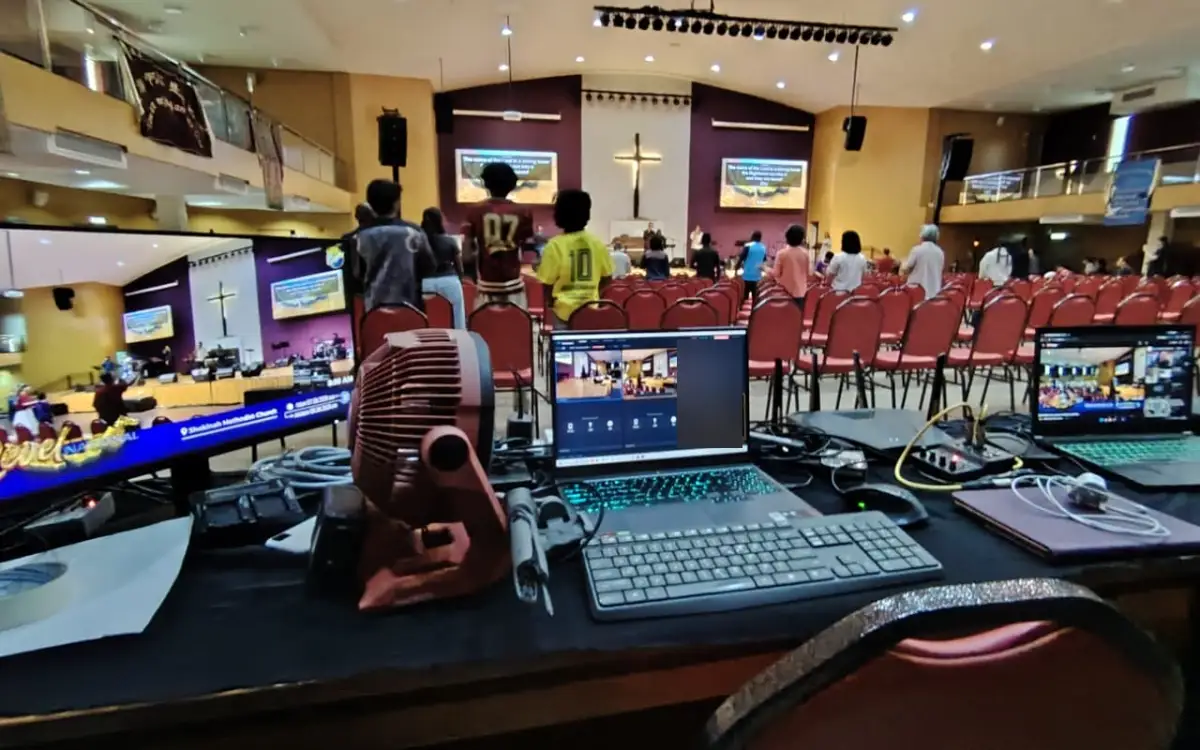
The broadcast desk at Shekinah Methodist Church during a 33-hour worship event: the Studio on the laptop, the program and its lower third on the monitor.
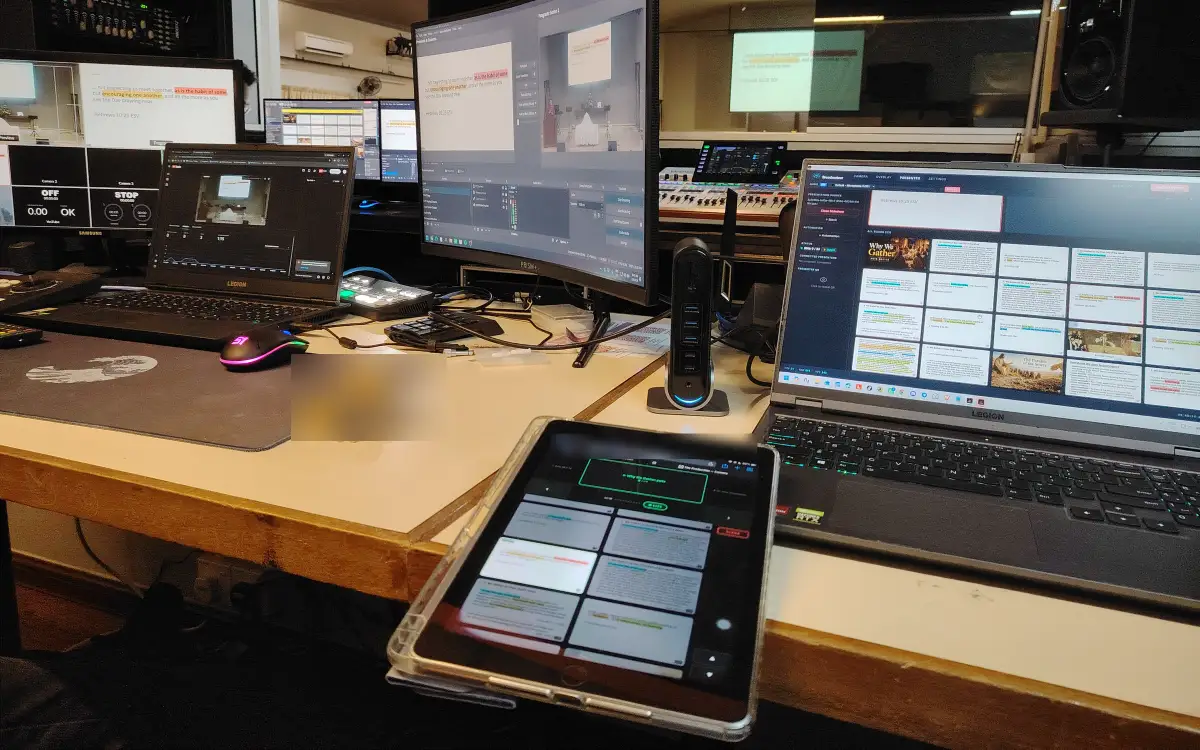
A Sunday-morning desk in Sitiawan: the sermon slides in the Presenter tab, the service plan on an iPad beside it.
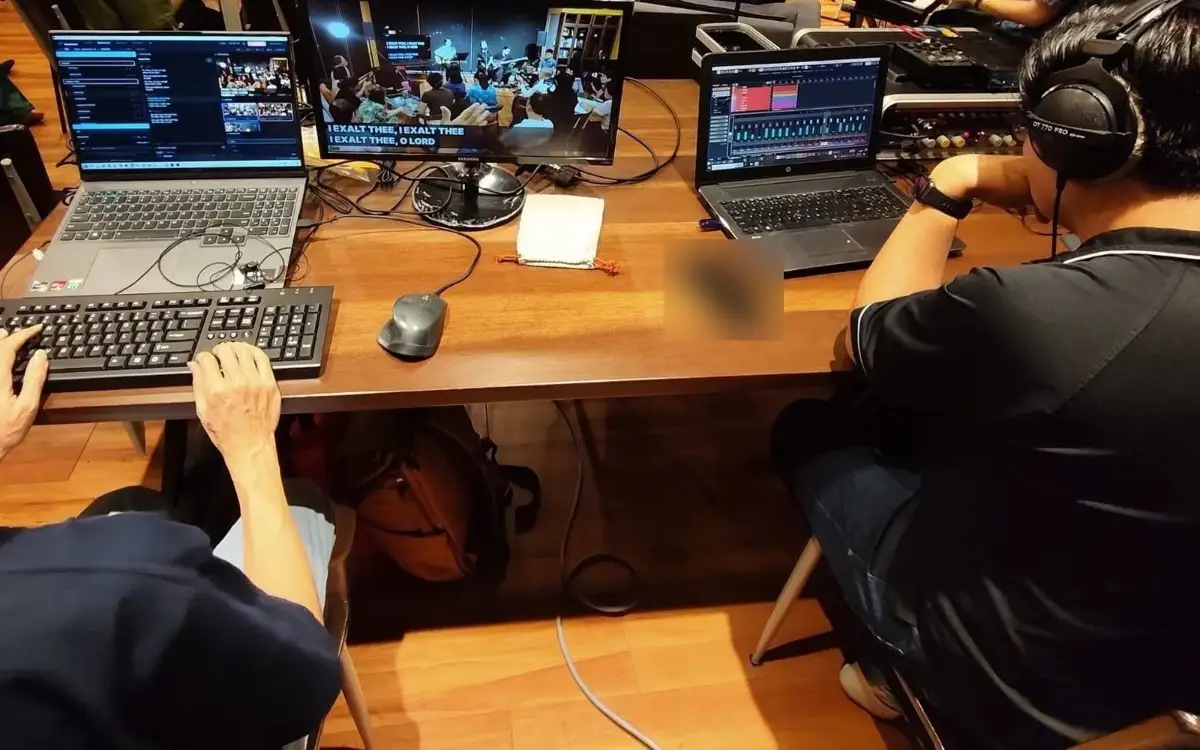
Broadcasteer on the laptop, the lyrics on the program monitor, the sound mix beside it.
Two volunteers, both using Broadcasteer for the first time. Their words, unedited.
The Broadcasteer software is actually really user friendly and easy to understand even though it was my first time using it. I was honestly quite impressed with the setup because it really shows that churches don’t need to spend thousands on an industrial livestream software. Abel’s software can already do most, if not even better than what some of those setups can offer.
IJ’s first Sunday on Broadcasteer, from the booth at Wesley Methodist Church Sitiawan, 20 September 2026.
Easy to use and good product.
Now you know
Free plan. No credit card. No onboarding call. Install it on a Windows laptop and see if it works for your Sunday.