
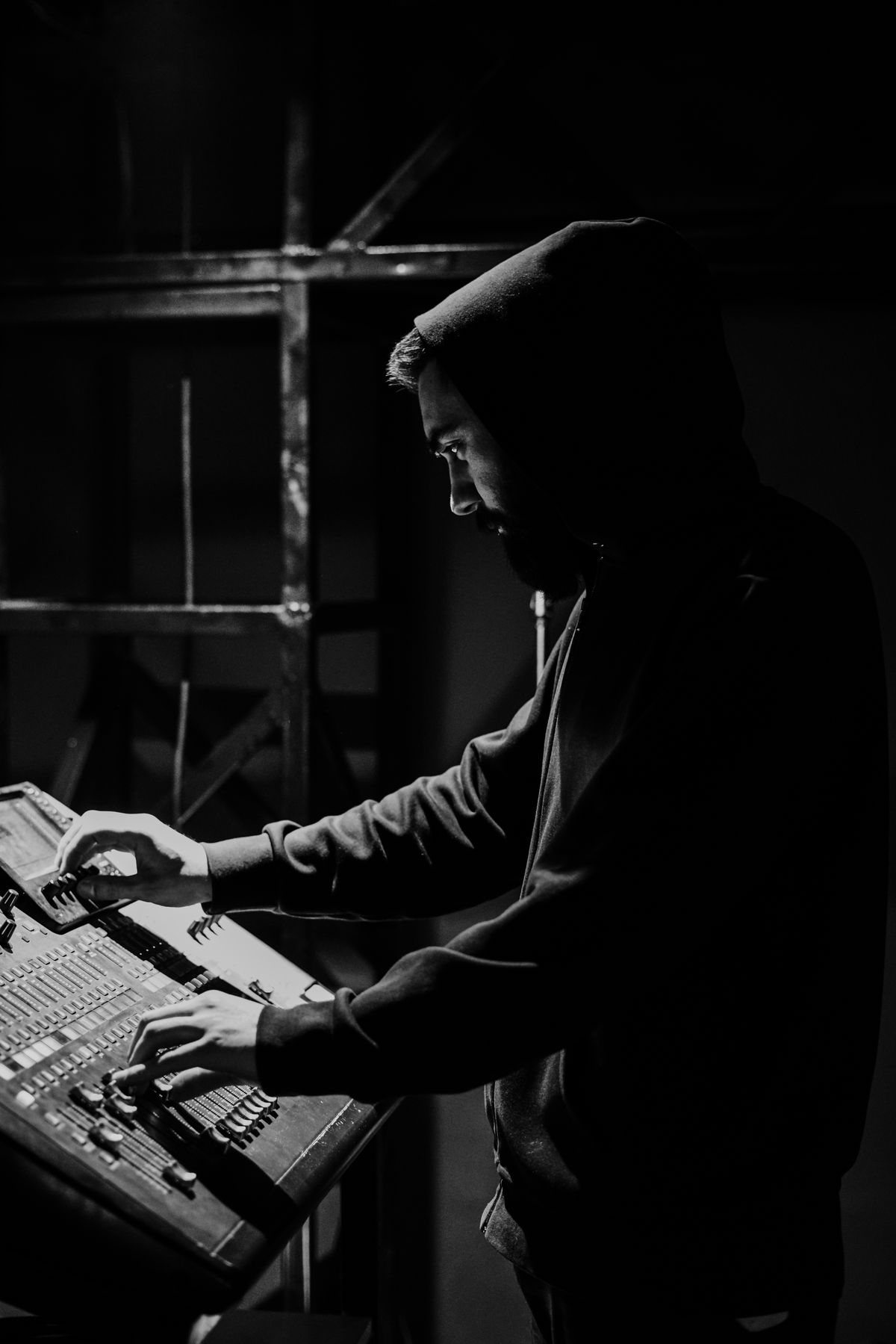
The thing people get wrong
Almost every venue puts more effort into picture than sound, and almost every viewer makes the opposite trade.
Watch how people behave. A soft or oddly-framed picture with clear audio holds an audience comfortably. A sharp picture with muddy, distant or fluctuating sound loses them in under a minute. They may not consciously decide the audio is bad... they just stop watching.
If you improve one thing about your stream this month, improve the sound.
Take audio from the desk
The most important single change, and it is usually not difficult.
If your venue has a sound system, the audio going out should come from it. That signal is the microphones, mixed by whoever mixes them, without the room.
The alternative, a camera or laptop microphone, captures the room, and a room is a terrible place to record from. Air conditioning, chairs, the person nearby, and somewhere in the distance, faintly, the speaker. This is why so many streams sound like a phone recording made by an audience member. That is exactly what they are.
Why the room sounds fine to you and terrible on the stream: your ears and brain do enormous filtering, focusing on the voice and suppressing everything else. A microphone cannot do that. It records everything at its true relative level, and the true relative level of a speaker forty feet away against nearby air conditioning is not favourable.
Getting a feed from the desk usually means asking whoever runs it for an output. Most desks have a spare one. This single change transforms most streams, and it is normally a cable and a conversation.
Set levels with headroom
Second most valuable thing, and it is a habit rather than equipment.
Audio has a ceiling. Go over it and the sound does not simply get louder... it distorts, harshly and unrecoverably. There is no fixing it afterwards.
So set levels so that the loudest moment sits comfortably below the maximum. Not the speaking voice... the loudest thing that will happen. The band. The applause. The person who leans into the microphone.
That means your normal level looks conservative, and it should. Quiet audio can be raised later; distorted audio is gone.
Practically: watch the meters during the noisiest part of your setup, and set for that. Then leave it alone.
Check on headphones
You cannot judge audio on laptop speakers. They flatter some problems and hide others entirely... particularly low-frequency rumble and background noise, which laptop speakers cannot reproduce at all.
Use headphones. Any headphones. Listen to the output feed, not the room, for thirty seconds before you go live.
You are listening for: Is the voice clear? Is there a hum or hiss under it? Is anything distorting on the peaks? Is the level reasonable? That is the whole check, and it takes half a minute.
The problems you will actually meet
Hum or buzz. Usually electrical, from the way equipment is connected together. Frequently fixed by which sockets things are plugged into or by an inexpensive isolating adapter. Worth solving properly... it is fatiguing to listen to and it never goes away on its own.
Audio drifting out of sync with video. Audio is naturally faster than video, so the fix is to delay the audio to match. If the offset is constant, set it once. If it grows over the event, that is a different problem, two clocks running at slightly different rates, and the fix is a shared reference rather than a bigger delay.
Sound on some sources and not others. Video played from a computer, a person speaking, and music from a phone are all different paths. Each needs to be routed. Test every source you will use, before, not during.
Levels jumping between speakers. Different people have different voice levels, and a soft speaker after a loud one disappears. This is a mixing job rather than a software one, and it is why the person on the desk matters.
Distortion on the loudest moment. Almost always because levels were set during a quiet part. See headroom, above.
What good enough sounds like
You do not need a professional result. You need:
- The voice clear and present, sitting in front of everything else
- No distortion on the loudest moments
- No obvious hum, hiss or buzz underneath
- A consistent level... the viewer never reaches for the volume
- Roughly in sync with the picture
That is achievable in most venues with a desk feed and thirty seconds of attention. It is considerably more than most streams manage.
Where to spend if you spend
In order of value per pound:
1. A cable from the desk. Usually the cheapest and by far the biggest improvement.
2. An isolating adapter if you have hum. Small cost, permanent fix for a specific and irritating problem.
3. A better microphone for the speaker... but only if the desk feed is already in use and the microphone is genuinely the weak point. Frequently it is not.
4. Anything else. Most other audio spending has less effect than the thirty-second headphone check you are not currently doing.
The short version
Take the feed from the desk. Set levels for the loudest moment, not the average. Listen on headphones for thirty seconds before you start.
Three things. They cost almost nothing, they require no expertise, and between them they fix most of what makes streams unwatchable.
Picture quality is what people notice when it is good. Audio quality is what makes them leave when it is bad. Spend accordingly.