What it does

Built for the onewho shows up.

Every feature below exists because someone stood in a booth on a Sunday and needed it. Not a roadmap. Not a demo. A tool that works.

Laptop open at night ready to go

Cold start. 15 minutes live.

Not half a day. Not a rack of gear. Not a soundcheck from 7am. Open it Saturday night and be live by Sunday morning.

Minimal bag and laptop — no cables required

No cables. No ritual.

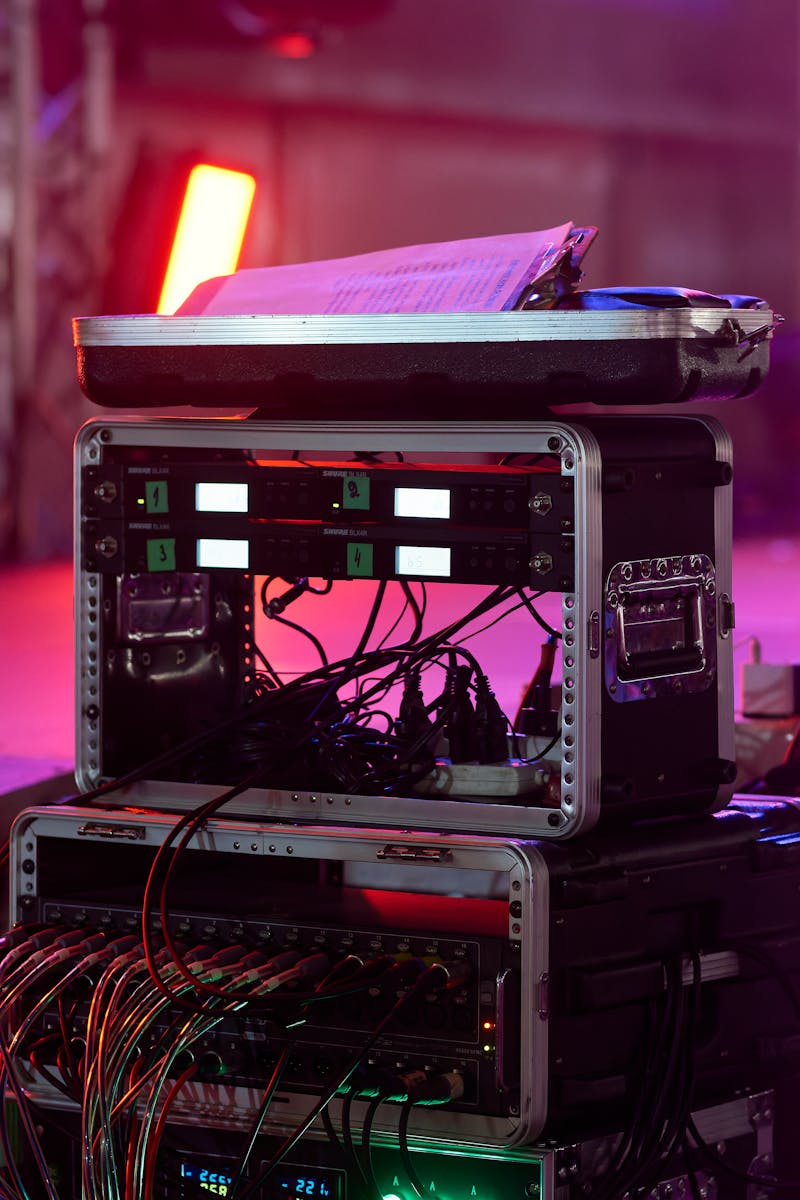
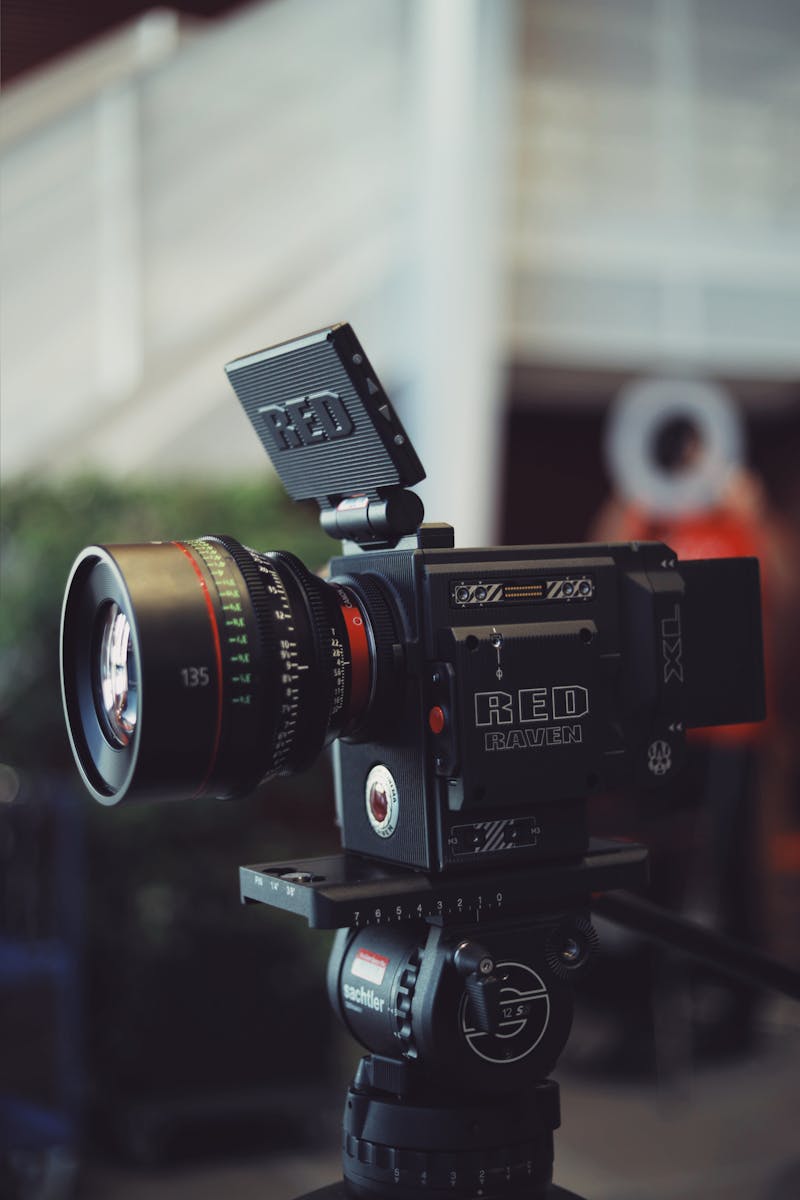
No capture cards. No HDMI runs. No pelican cases. No pre-service cable check. Just a laptop, a bag, and intention.

Crew member receiving real-time direction through phone

Booth to ear. Every crew member.

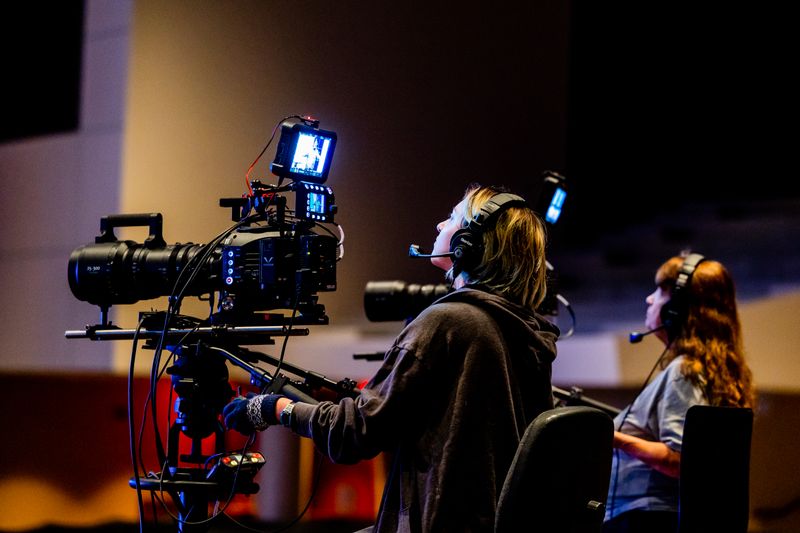
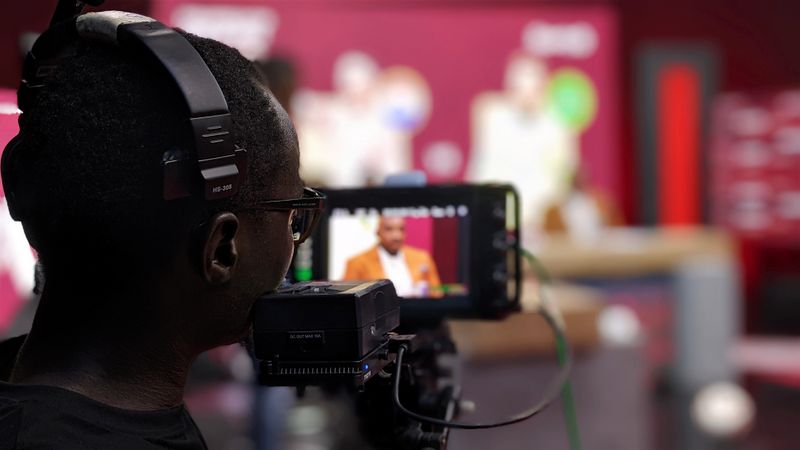
IFB talkback from the booth to your floor crew's phones. Real-time direction. No earpiece hardware. No wires across the floor.

Confident presenter on stage — confidence monitor on phone

The speaker sees. What they're saying.

MultiCast as a confidence monitor. Current slide, live, on the presenter's own phone. Eyes up. Always.

Multiple connected spaces synced for one service

One service. Every room.

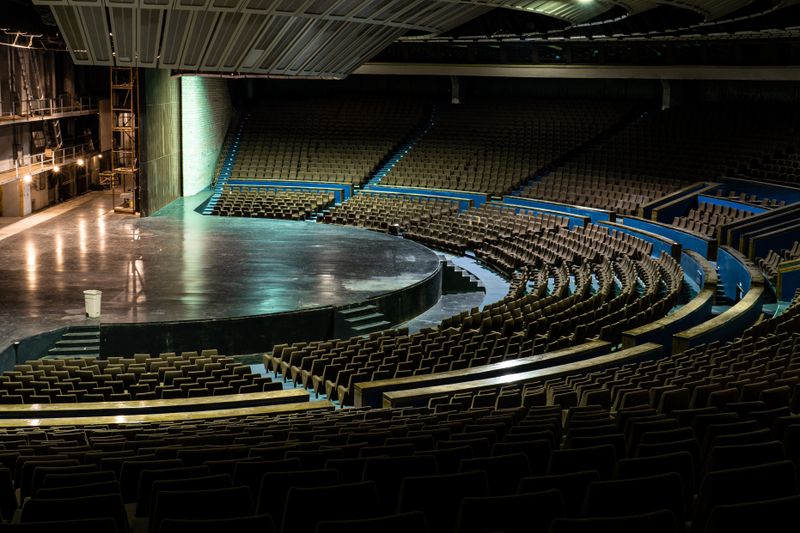
Sanctuary, hall, foyer, nursing room, overflow carpark. Every space synced. Every person included. Nobody misses a moment.

Professional microphone for clean audio capture

Field voices. Studio clean.

Lav mic. Shotgun. Whatever they brought. External mic into phone, clean audio into Studio. Field-level quality, no extra gear at your end.

iOS and Android devices — all platforms supported

iOS. Android. Any ecosystem.

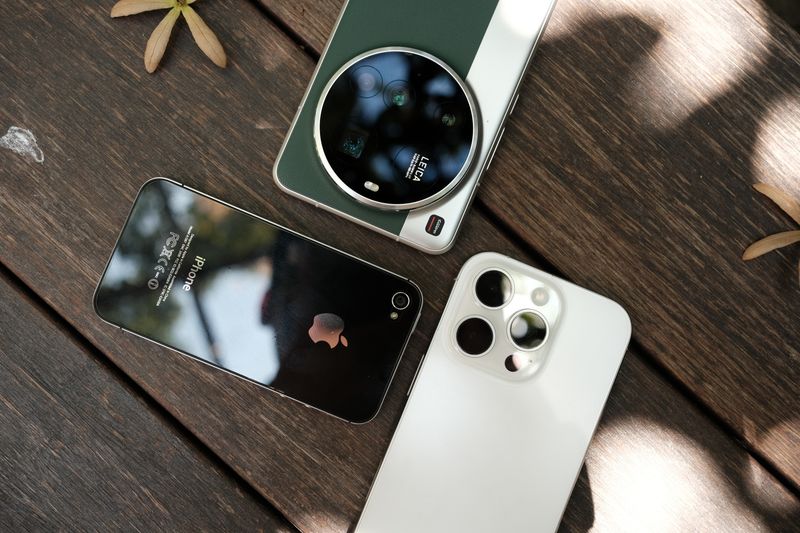
iPhone, iPad, Android phone, Android tablet — every platform, every manufacturer, every year. If it has a camera and a browser, it's a camera.

Multiple devices showing the same content simultaneously

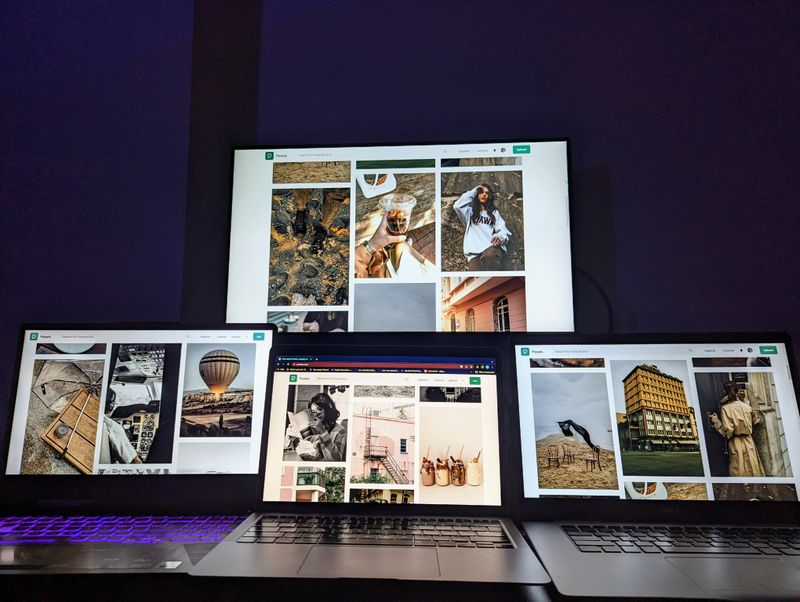
One tap. Every screen.

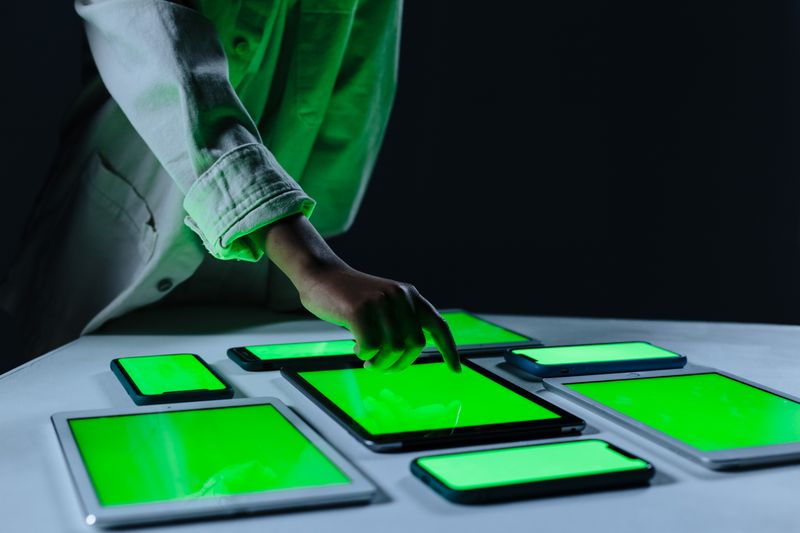
Speaker pushes their current slide to every connected device on the network. The moment is theirs to control, not yours to manage.

Network connection choice — local private or global live

Local or live. You decide.

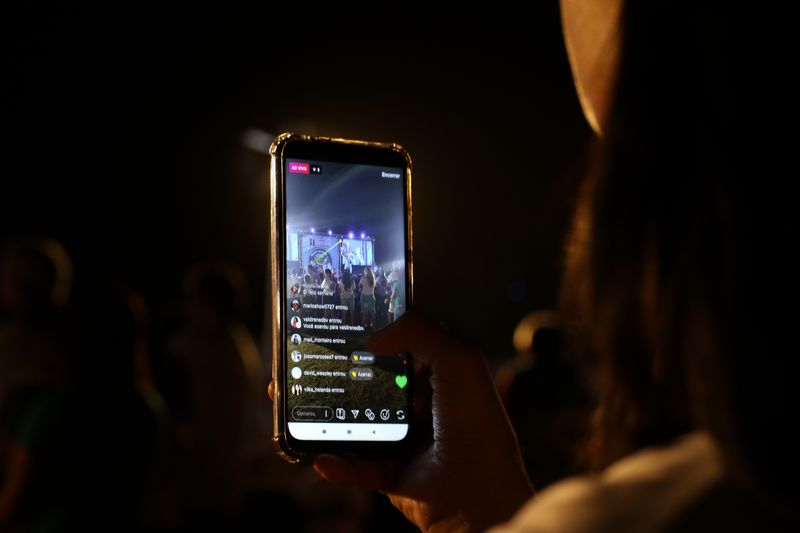
Run a fully offline private rehearsal with zero internet, or go public to YouTube Live in one click. The audience scope is yours to set — every time, before you go live.

Speaker presenting with slides visible on screen — PiP overlay

Slides beside the speaker. Every frame.

Capture your desktop and overlay it as Picture-in-Picture alongside your live camera feed. Teaching sessions, conference talks, online services — slide context beside the speaker, always.

Service plan and run sheet built into the app

Your service plan. Built in.

Build today's run sheet, cue order, and plan inside the same app you're broadcasting from. No Planning Center. No Notion. No second screen for the plan.

Song lyrics library and worship overlay system

Song library. Every verse, one tap.

Add songs, build verse blocks, and push any verse to your live overlay with a single tap. ProPresenter's core job — built in, no subscription required.

Different background scenes — lyrics, slides, live camera

Lyrics. Slides. Camera. Your call.

Switch what the audience sees — words on screen, a live presentation, or a camera feed from anywhere on site. One tap. Mid-service.

Software always up to date — automatic version check

Always current. Never stale.

Every launch runs a version check automatically. No stale installs. No "which version are you on." You open it Sunday morning — it's ready.

Ready when you are

See it on your Sunday.

Free tier. No credit card. No demo call. Download, set up, and know in fifteen minutes if this is the tool your team needs.