
Guides, notes,and what we shipped.
From the builders' heads to your live day — how-tos that hold up, news worth knowing, and a devlog that says what changed and why.
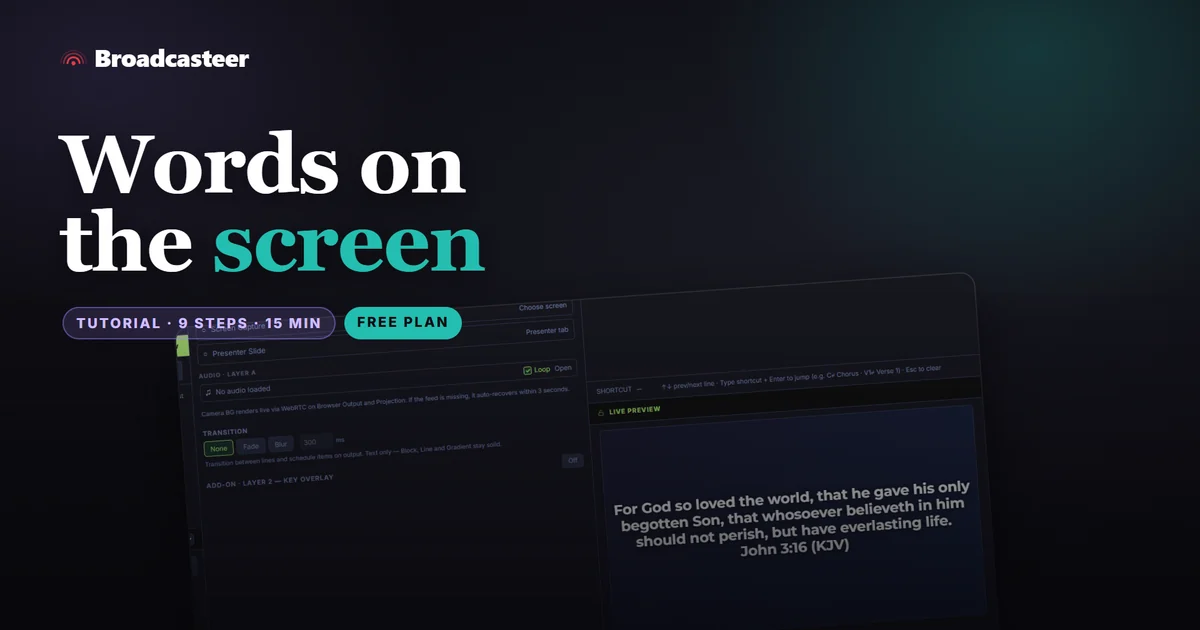
How to put song lyrics and Bible verses on the screen
Add a song once, put it in Today's Plan and click a line. For scripture, type the reference, right-click the verse and Go Live. Free on every plan.
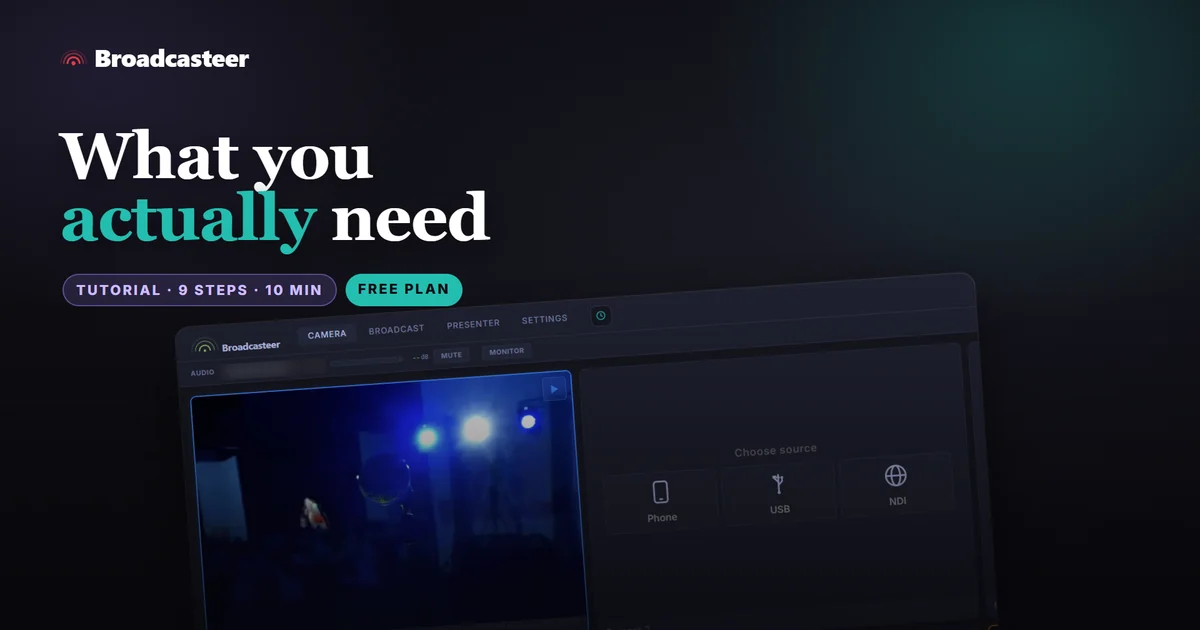
What you need to run Broadcasteer (and what you don't)
A Windows laptop or desktop you already own, the phones in the room and one Wi-Fi network you control. What helps, what changes by plan, what to skip.
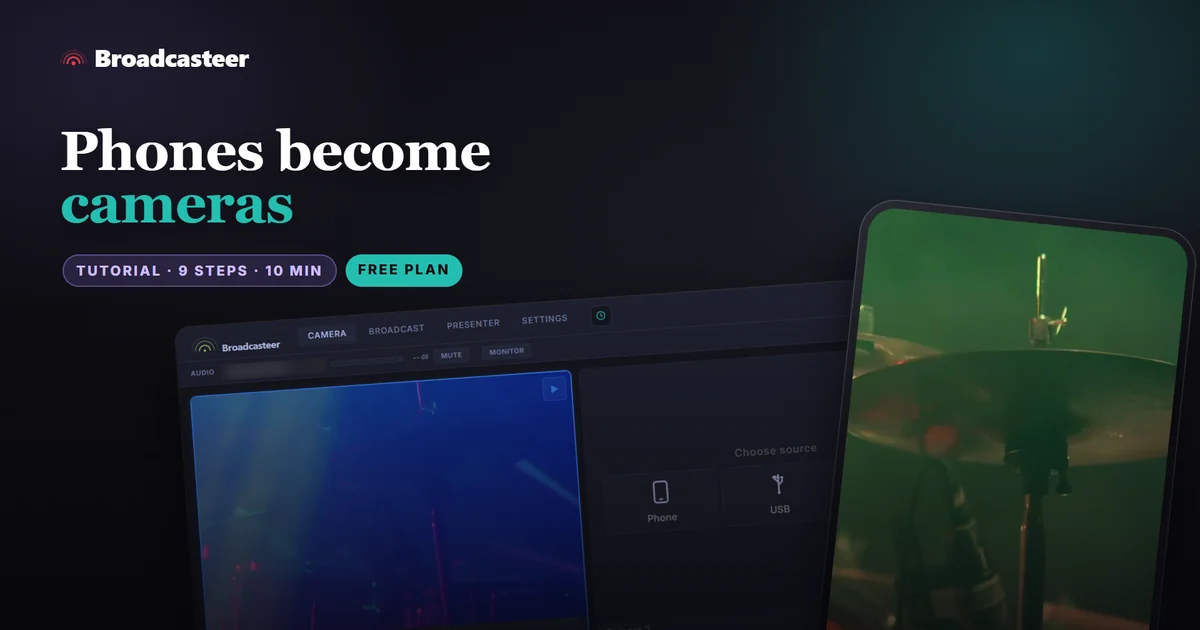
How to turn your volunteers' phones into cameras
Phones join as cameras by scanning a QR code. Android takes the Local route, iPhones the Remote one. Then cue, take, name and know your limit.
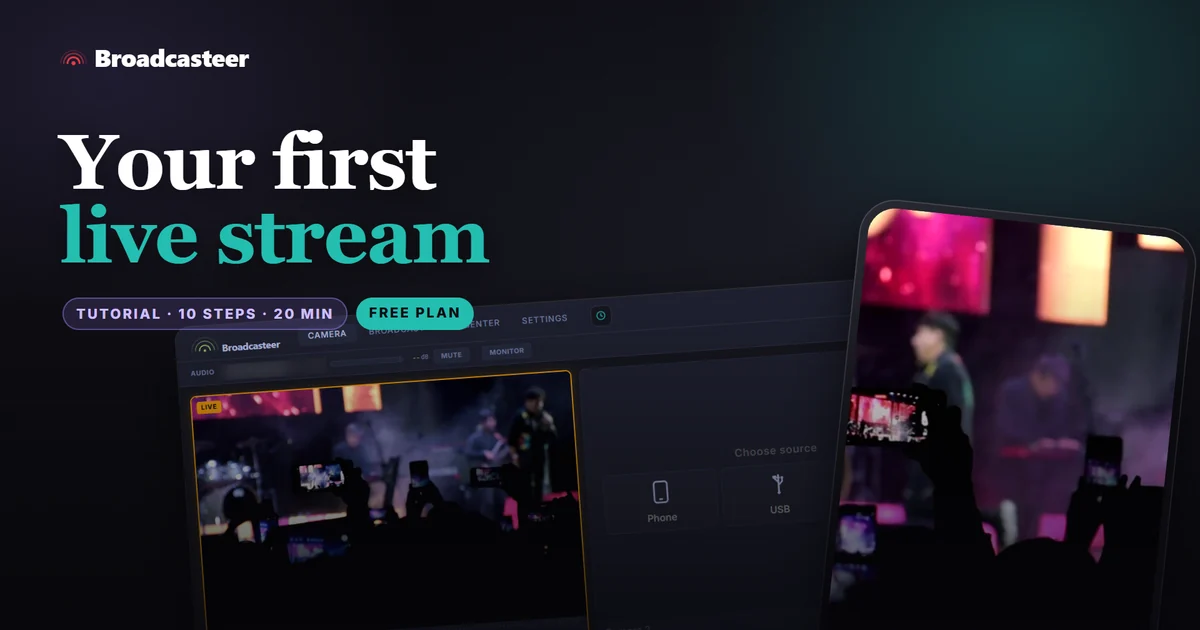
Your first live stream with Broadcasteer: from download to Go Live
Sign up, install, add one phone as a camera and go live on YouTube, all on the free plan. Ten steps with the real screens, about twenty minutes.
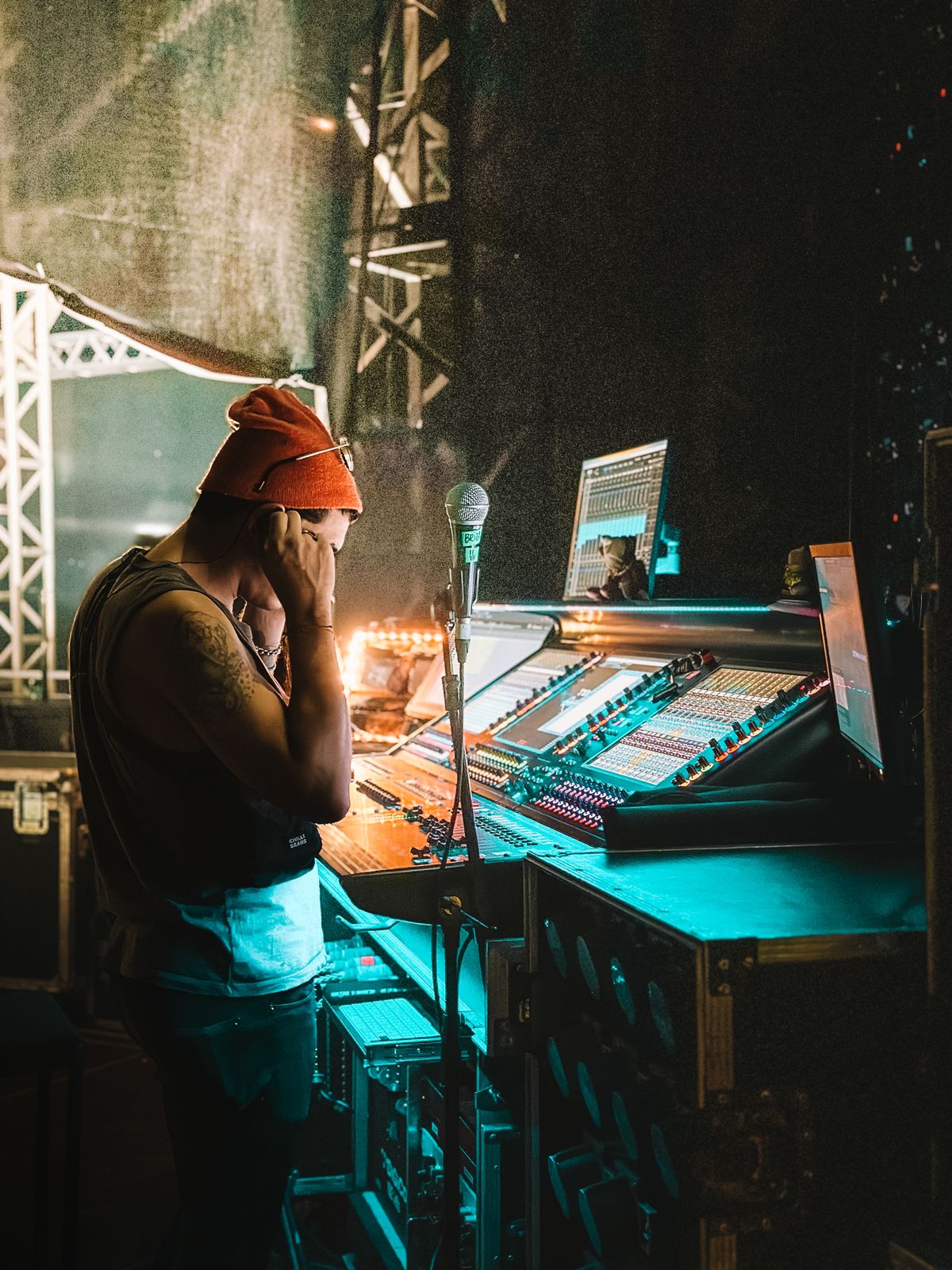
Why your lip sync drifts (and why it is almost never the camera)
Audio and video arrive at different times for structural reasons. Here is where the delay actually comes from, why it drifts mid-service, and how to fix it properly.
Past services... every Sunday you stream, kept at your address
Every service you stream to your church address is now saved and listed under the player. Rename it, share one link to it, or delete it.
How to share last Sunday's service with one link
Every service you stream to your church address is kept. How to find one, name it, share just that service, and delete what you would not keep.
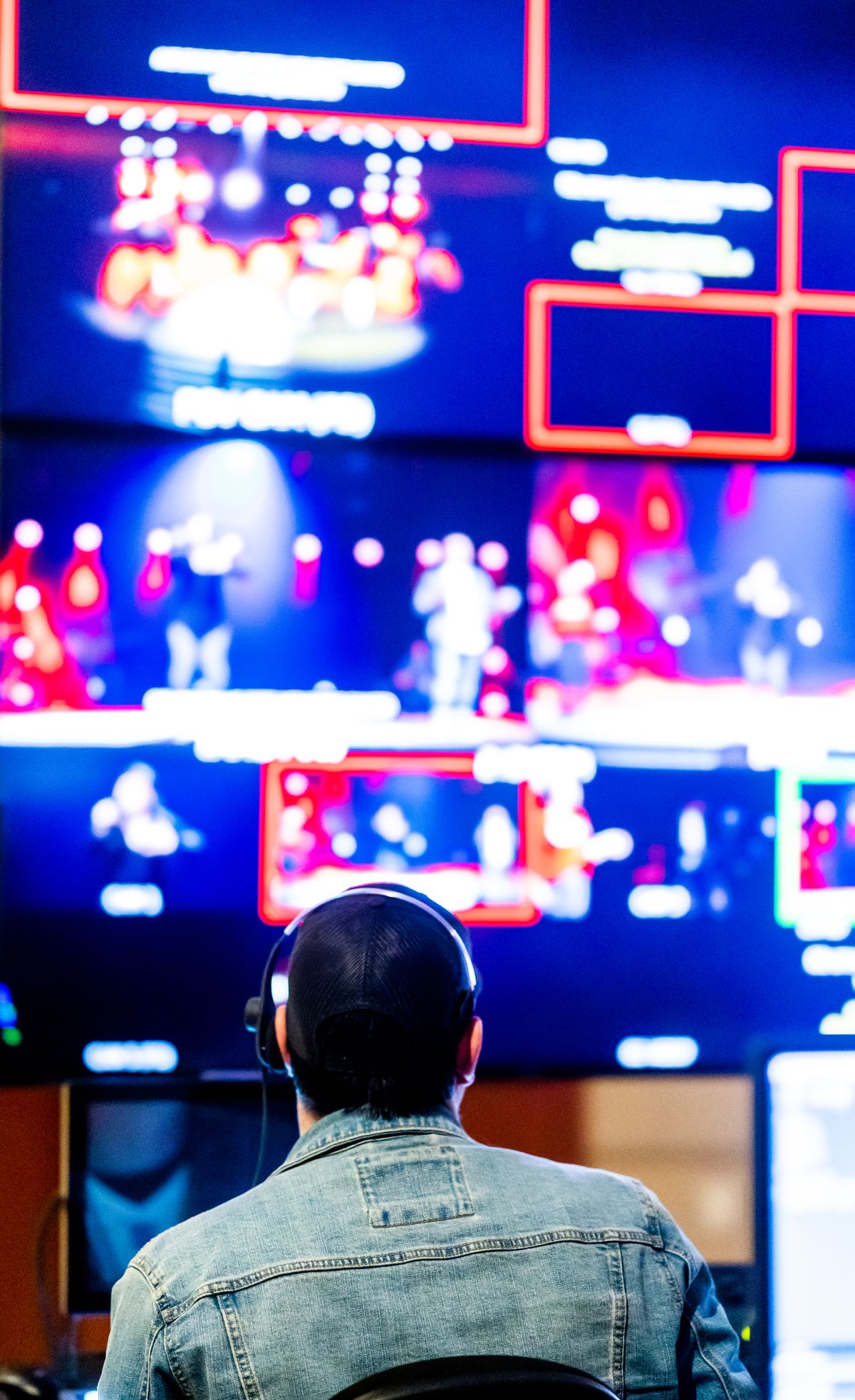
The whole rig on one wall
An operator needs to see what every camera sees, what is going out, and what is coming next. Traditionally that is a wall of monitors. It does not have to be.
I said Complete, but Ready is the word
Six months building Broadcasteer, from a vague idea about phones as cameras to something a church can actually run a Sunday on.

Enrolled screens... invite once, and it comes back by itself
A second site should not need a technical person before every service. Enrol the screen once; from then on it reconnects when someone switches it on.
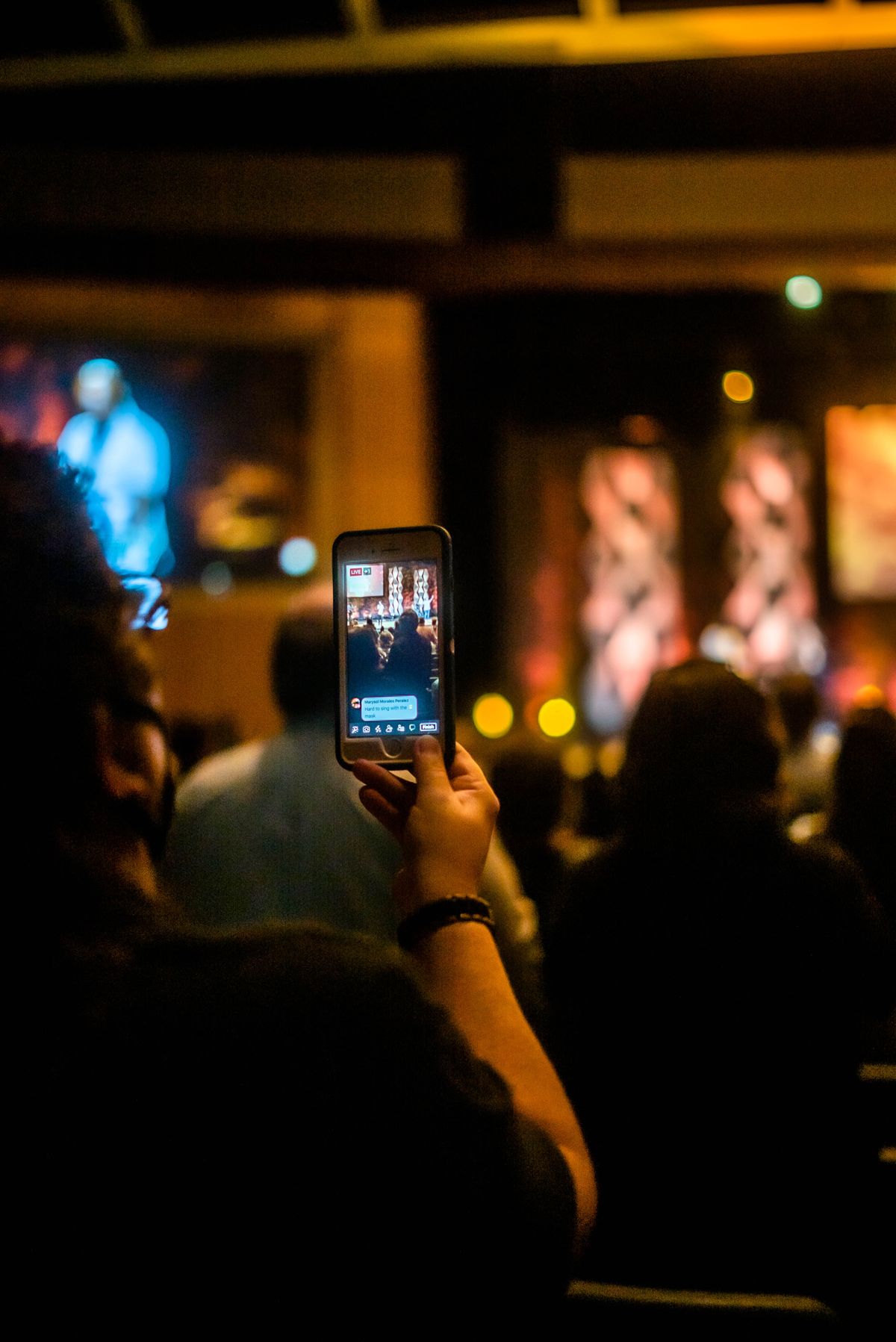
When nobody is watching live
Your stream has four viewers and you are wondering whether it is worth it. Here is what those numbers actually mean and what to do about them.
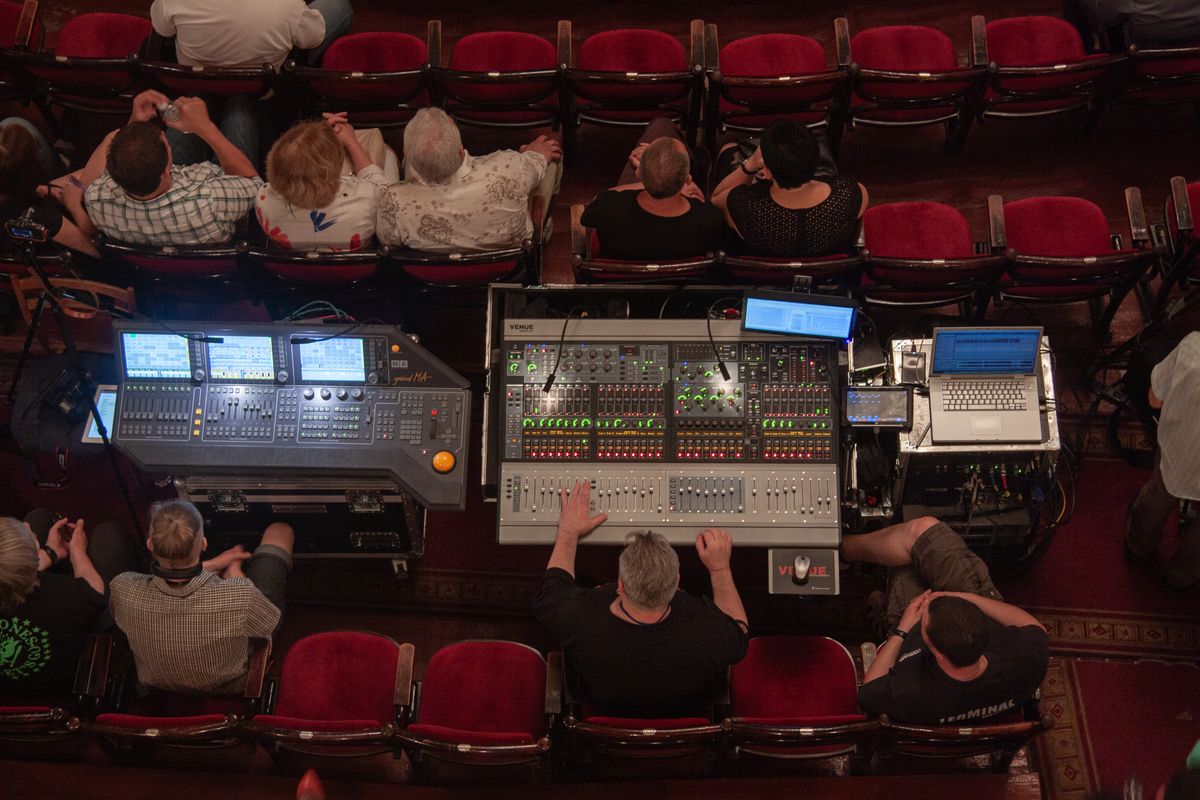
Running a conference without a production company
A one-day conference has slides, speakers, a stream and a recording. Here is what a small team can cover, and where hiring in is genuinely the right call.

Drawing on the sermon
A speaker who can annotate what is on screen, live, from the pulpit. Small feature, and it changes what a talk can do.
Campus... under a second, or never dark
Sending a service to another site is a room-sized problem, not a viewer-sized one. Campus ships in two modes because those rooms need different things.
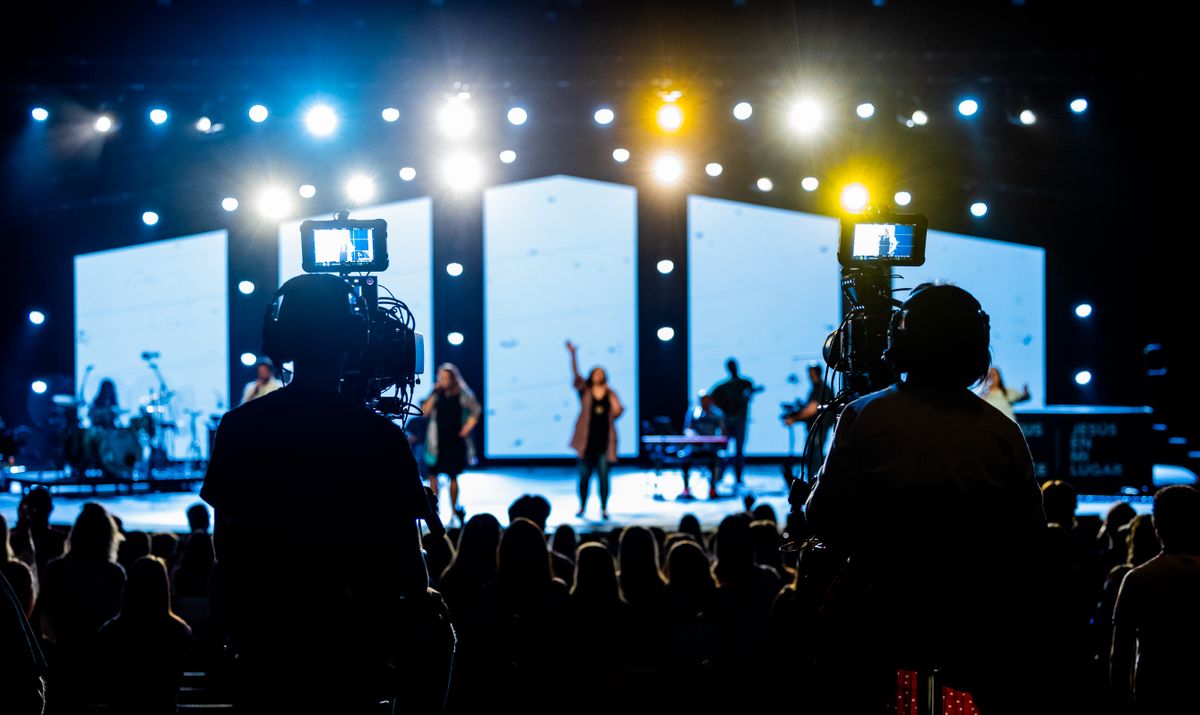
Where to put the cameras
Camera placement decides more about how your stream looks than any equipment you could buy. Here is how to choose positions in a room you did not design.
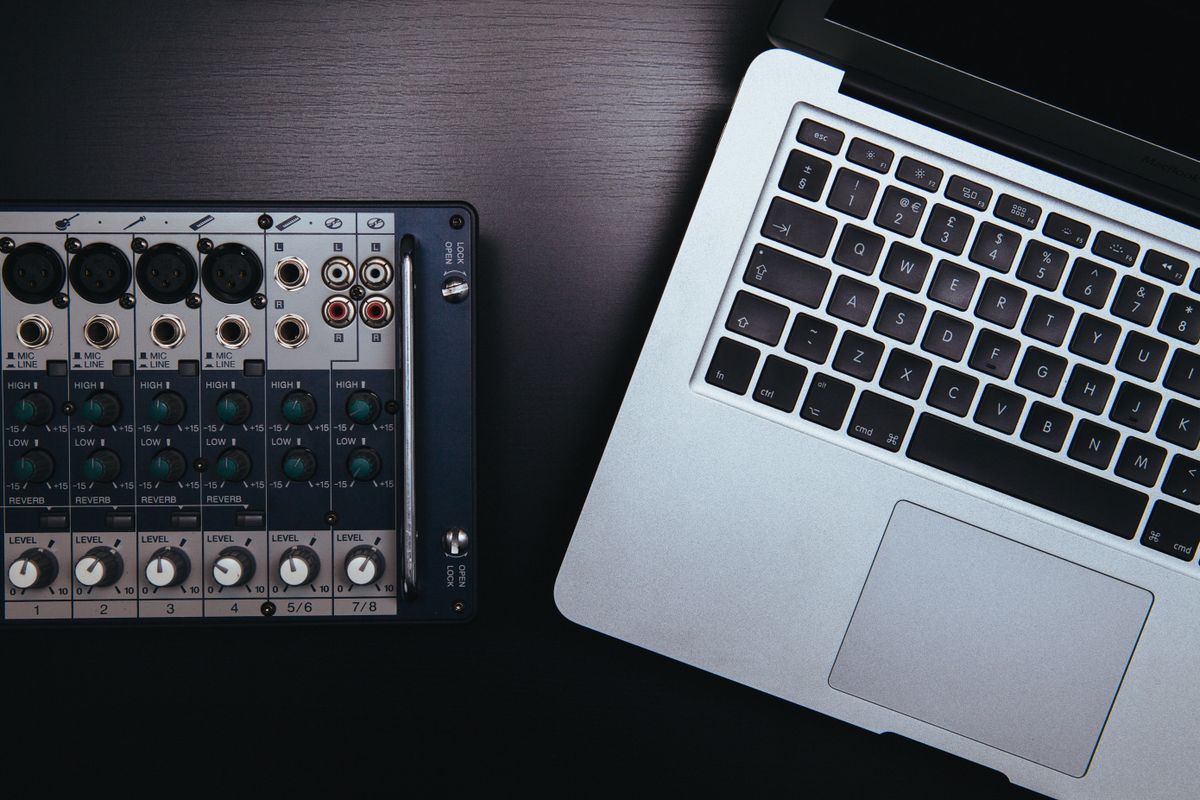
What does it actually take to run this?
My own website said "no minimum spec". Then I worked out the real hardware envelope... and found I could not keep that promise.
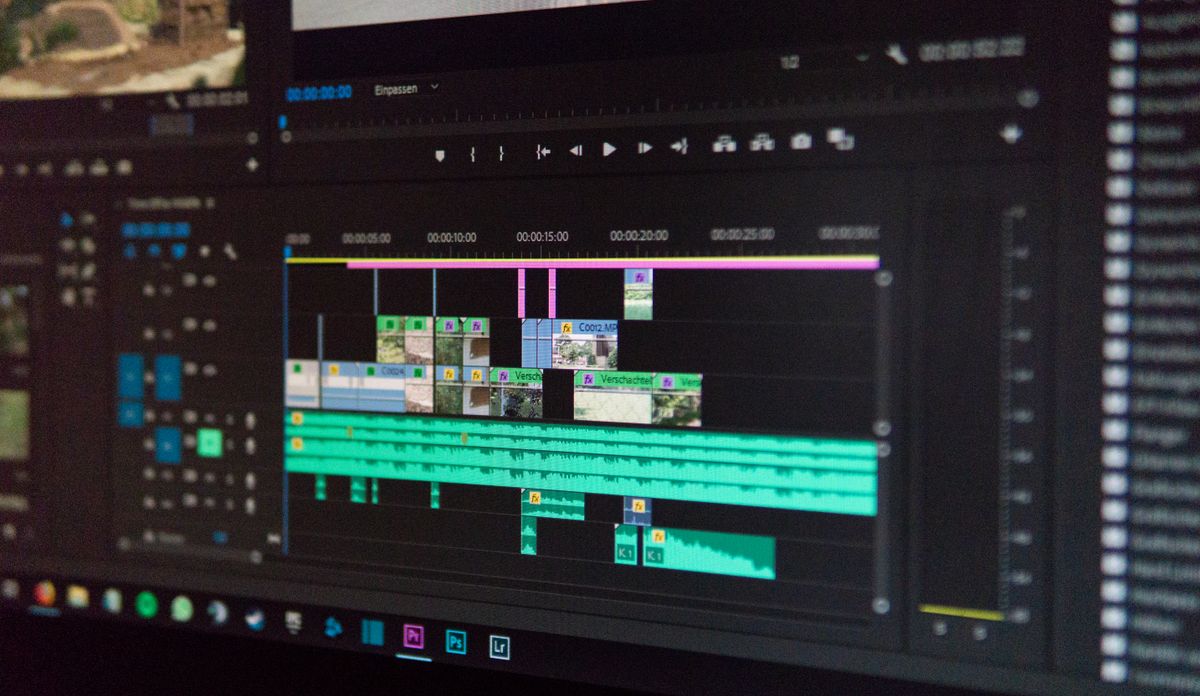
What you do with Sunday on Monday
Most venues stream live and then let the recording sit. The people who could not watch live are usually more numerous than the ones who could.
One service, two buildings
Sending a live service to a second site is not the same as streaming it publicly. Different audience, different delay tolerance, different failure consequences.
What we will not build
A list of things I have decided against, with reasons. Some of them are requested regularly and some would probably make me money.
Design for the person who did not come last week
Most live production tools are designed for someone who uses them daily. Volunteer teams do not have that person. Here is what changes when you design for the other case.
Getting audio right when you are not an audio person
Viewers forgive a poor picture and leave over bad sound. Here is the short version of what matters, for someone who has to solve this and did not train for it.
We asked a stranger to tear it apart
I gave an outside reviewer my website and three screenshots, with no context and no relationship, and asked what was wrong. The answer was harder than I wanted.
How to set up a Floor Director on an iPad
Put the camera switcher and talkback in the hands of someone on the floor. Which link to scan, the one extra step for iPads, and what they see.
Blocks or Sequence... every song in the order the band actually plays it
Songs now play by their blocks, or in a sequence you arrange. Drag a chorus in as often as it is sung, and every screen follows that order.
How to use a phone as the microphone for a small group
A phone camera can hear a whole circle of voices, or only the person holding it. Three switches on the camera tile decide which.
DECK... design the screen your room actually needs
Place the program, cameras, lyrics, clock, timer and messages on a canvas your way. Any display can show it, and NDI Send can pick it.
Why your Wi-Fi is fine and your cameras are not
The network test passes, the speed is good, and the camera feed still stutters. Wireless cameras stress a network in a way nothing else does, and speed is not the property that matters.
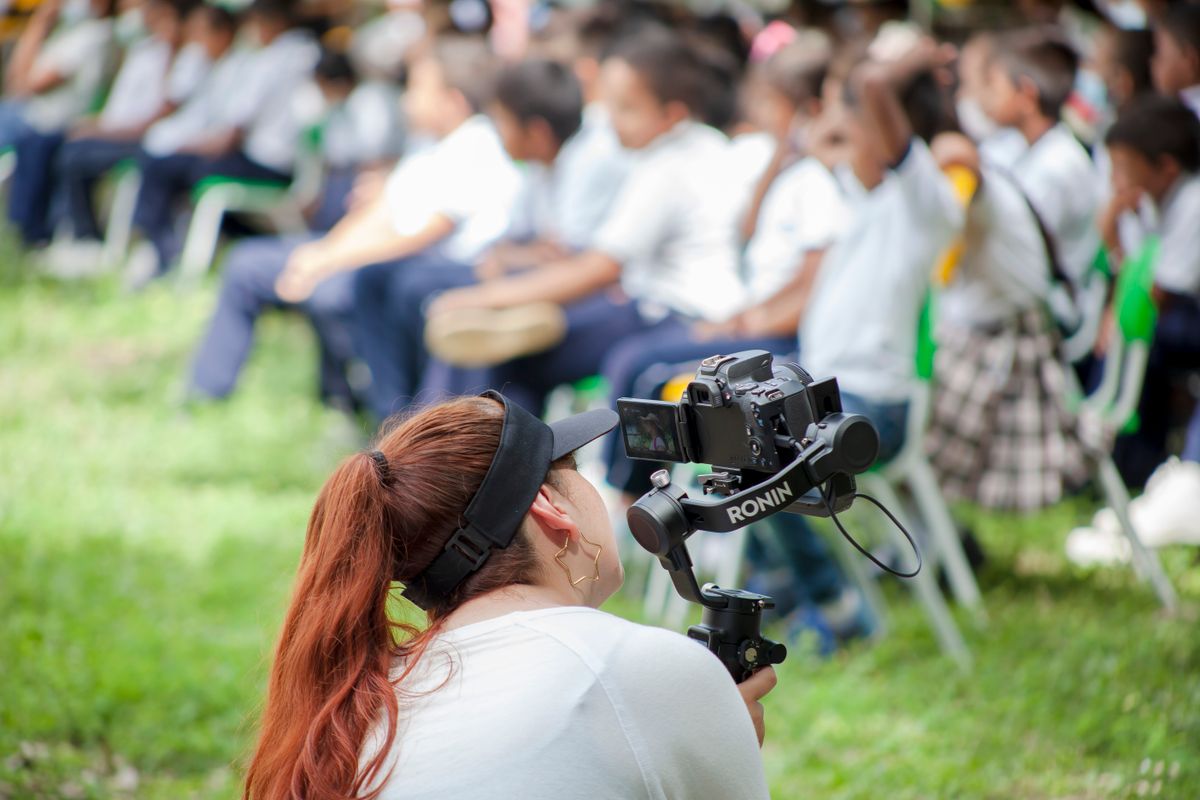
Streaming a school event when the grandparents are overseas
Concerts, graduations and prize days have an audience that cannot fit in the hall... and often cannot fit in the country. Here is how a small team covers one.

Bible passages, bundled... pick a range and step through it
Two translations included, XML Bibles supported, the reference on every output. No copying and pasting into slides on Saturday night.
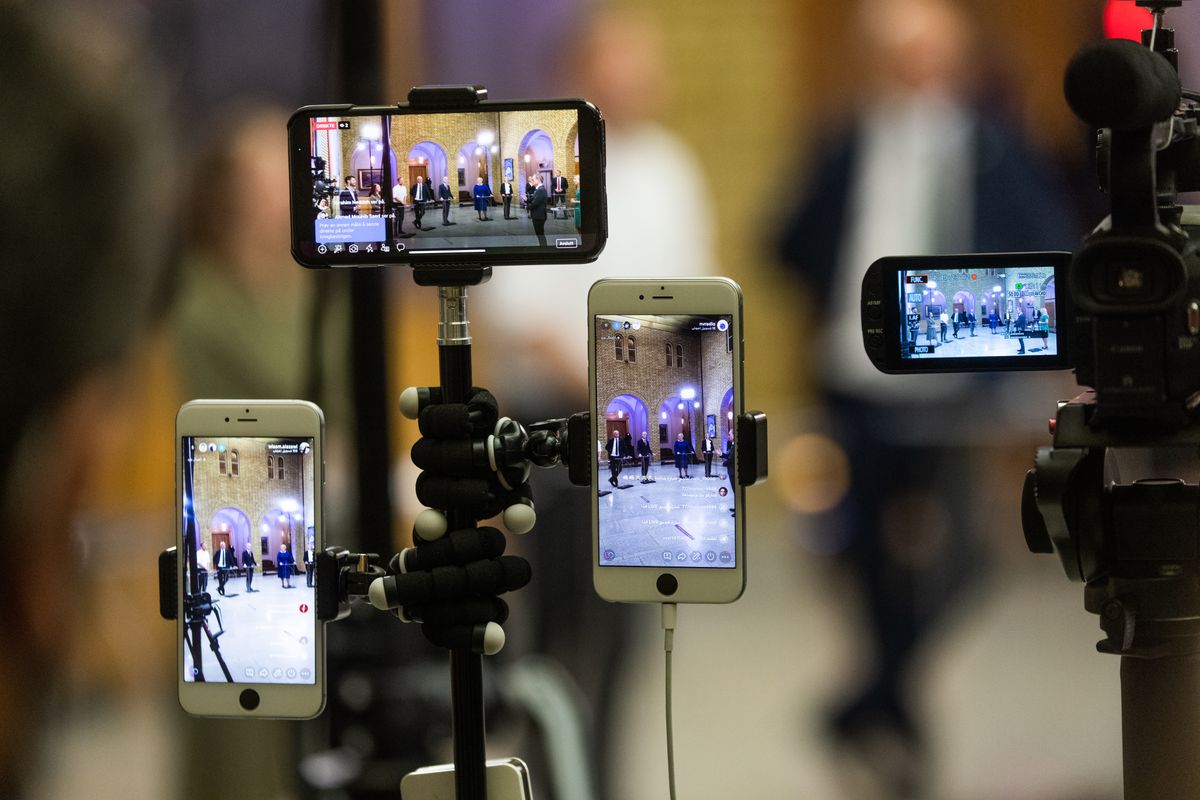
Every source is a tile
Phones, webcams, capture cards, network feeds. Once they all arrive the same way, the question stops being "what can I plug in" and becomes "what do I have.
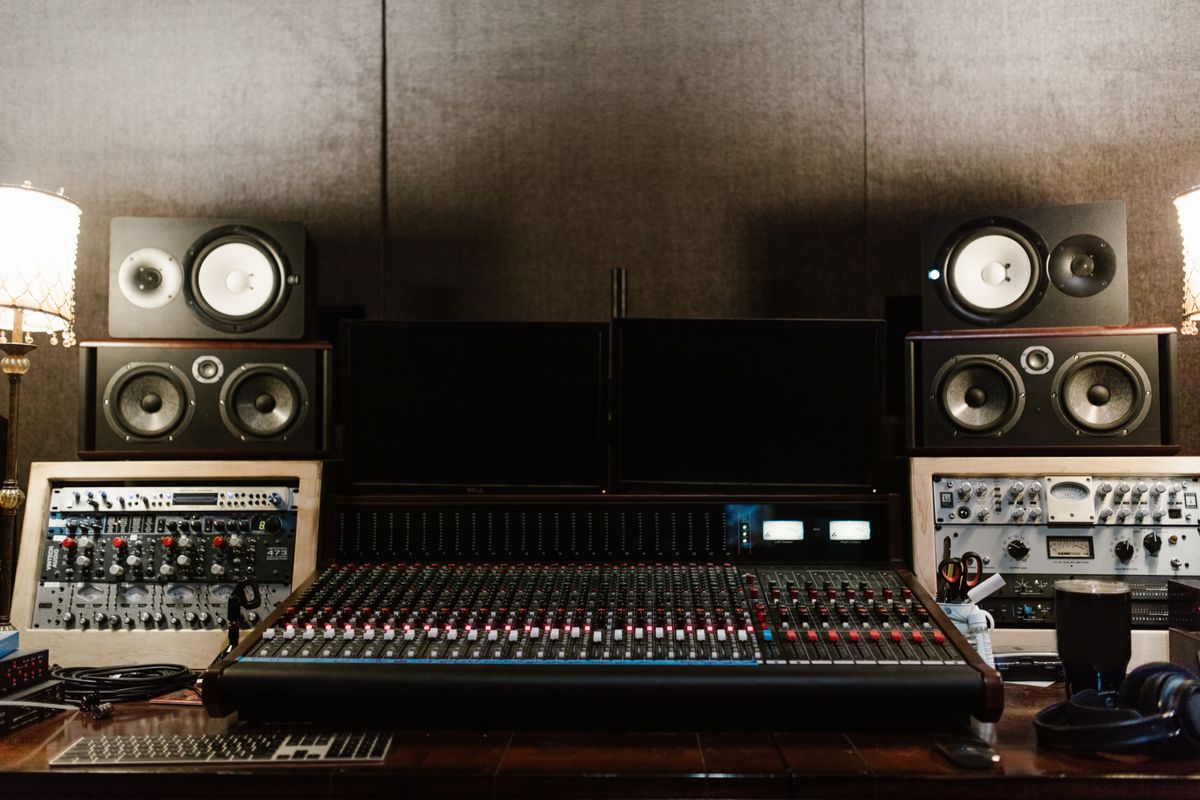
Shipping to nobody
For months my production system had almost no users. That is usually called failure. It was also the only period when reality is free... and it is expiring.
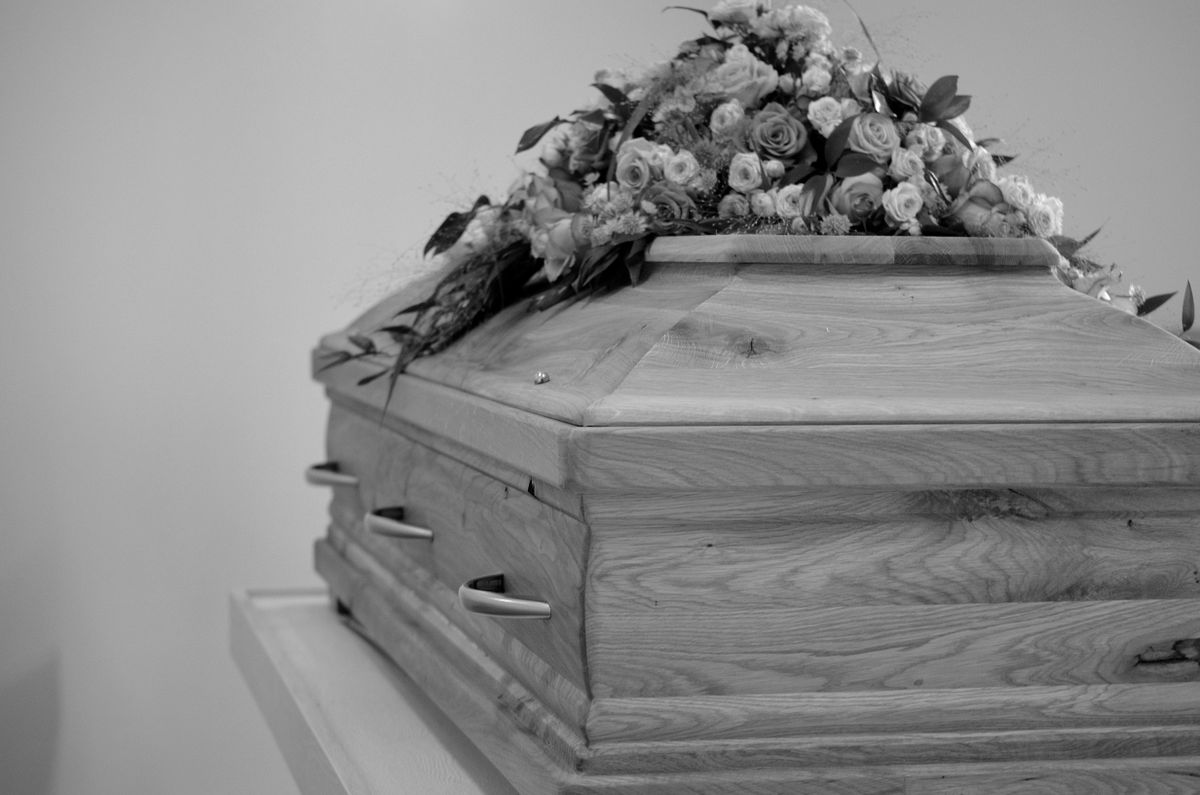
A funeral, a wedding, and a baptism
The events that matter most are the ones you cannot rehearse and cannot repeat. Here is how to cover them without the technology becoming part of the day.
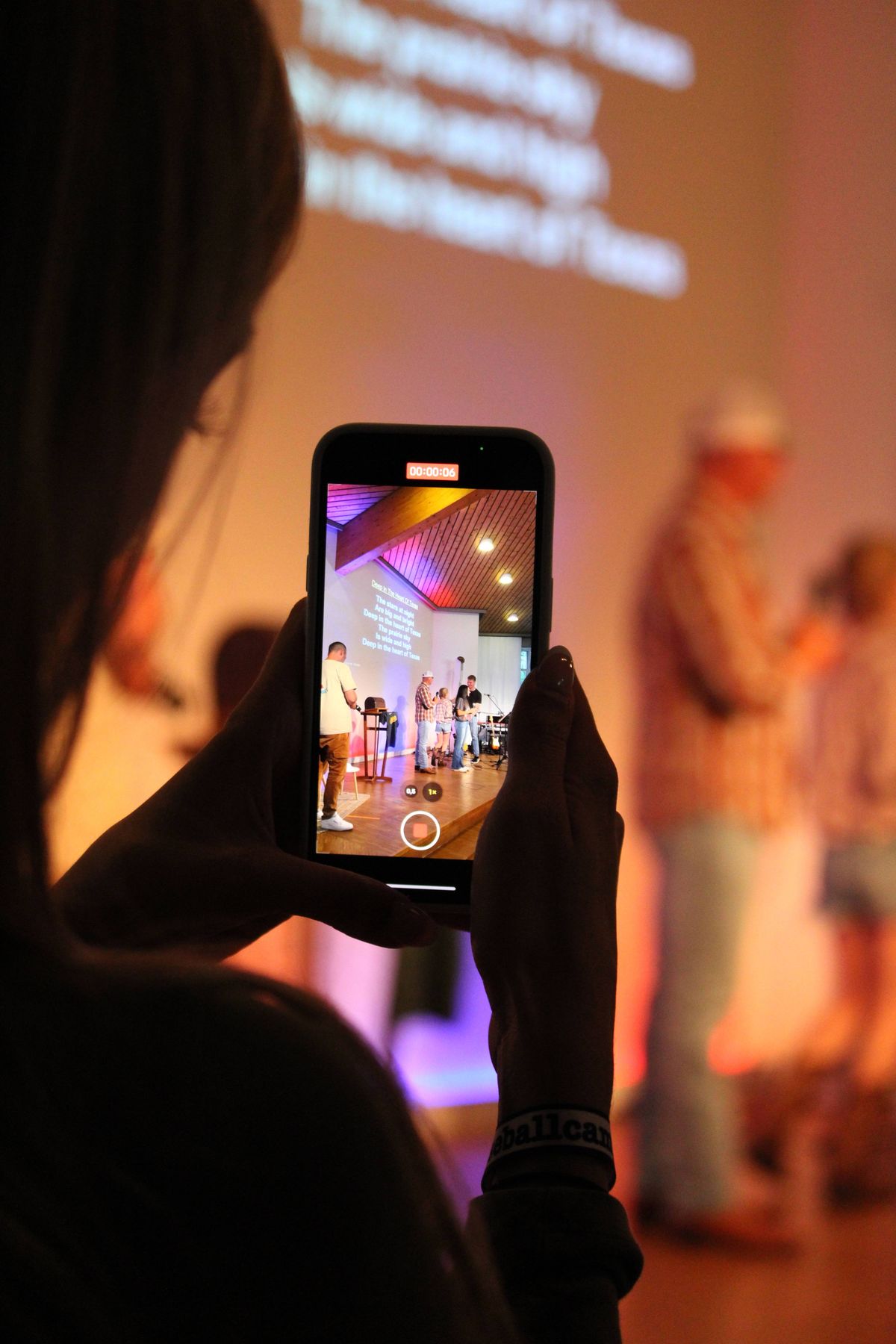
Good enough is a real standard
Volunteer teams are told to aim for excellence and then measure themselves against productions with budgets and crews. That comparison is doing damage.
The booth should not be the barrier
Somewhere in your building is a desk that only one or two people understand. That concentration is not a technical fact... it is a design outcome, and it can be undone.
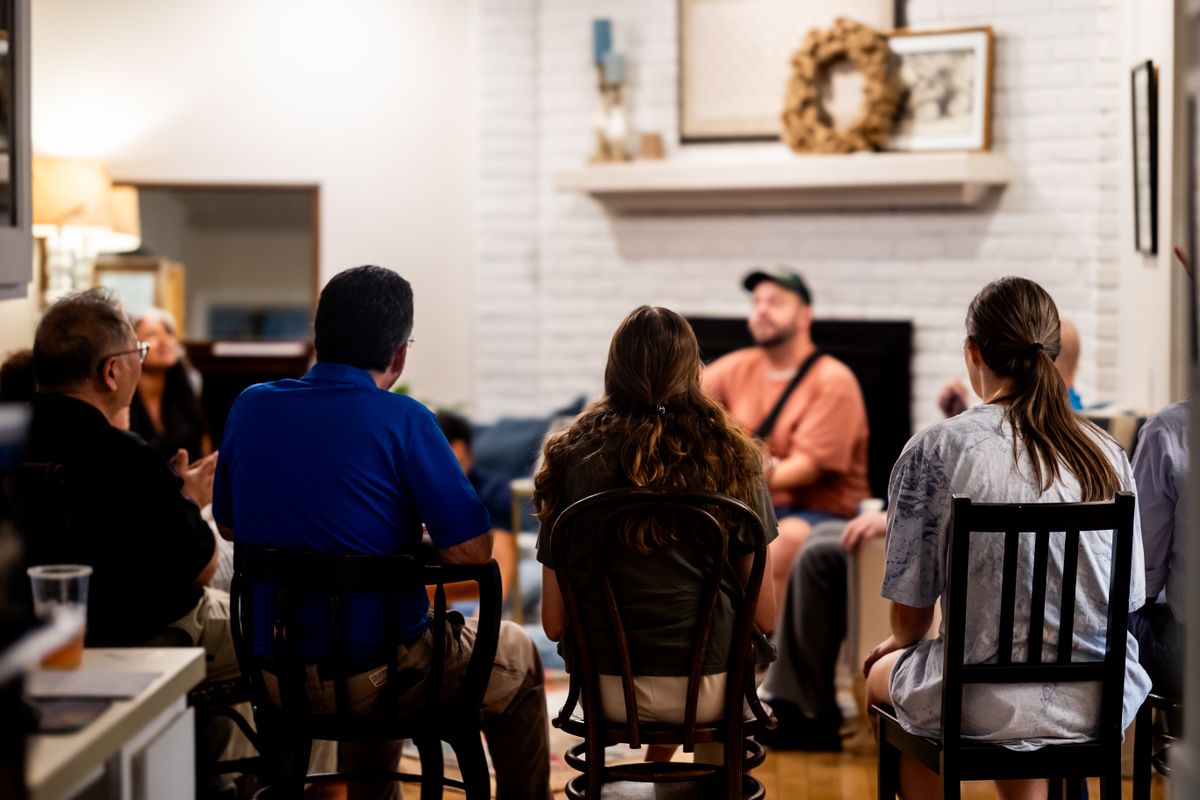
How to stream a small group from one phone
A cell group, a prayer meeting, a home Bible study. One phone as camera and microphone, your church address as the stream, and a link to it afterwards.
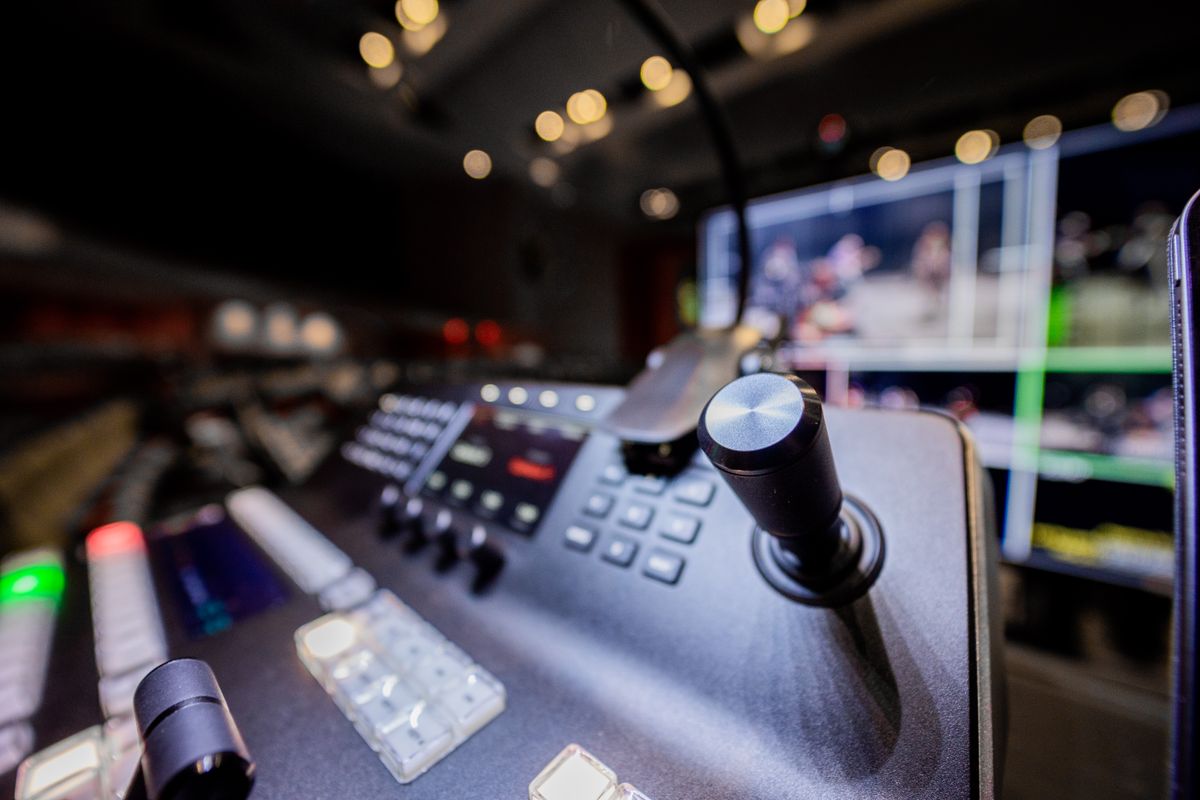
NDI out... your broadcast mix, in sync, on every tier
The NDI feed now carries the same audio as your stream and recording, lip-sync aligned, with the crackle gone. NDI in and out work on every tier.
It was fine for 45 minutes
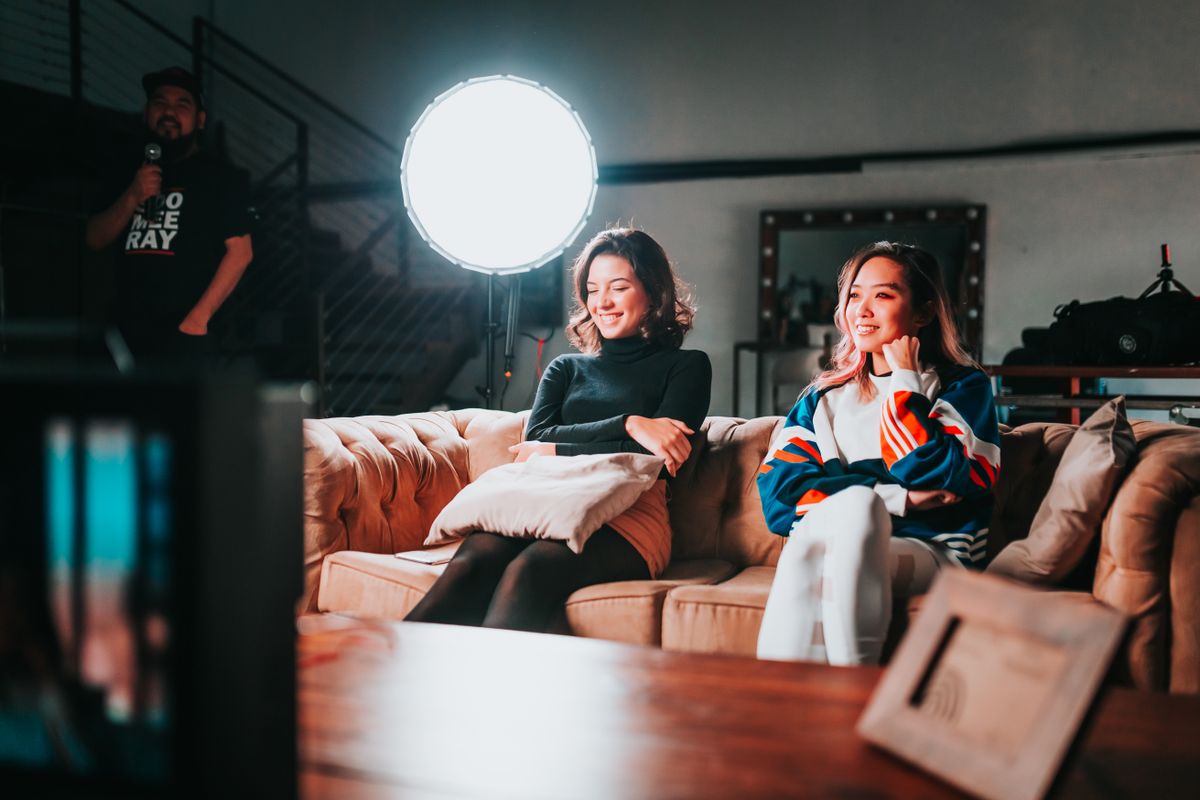
A stream that ran clean then started choking. I blamed the cloud, measured it, and found the fault was 45 minutes upstream of where it appeared.
Plan-to-Cloud... backed up before Sunday
Local-first means your content is on your machine. It also means backup is your job. This is the opt-in that does it for you.
Output Matrix... eight displays, each showing something different
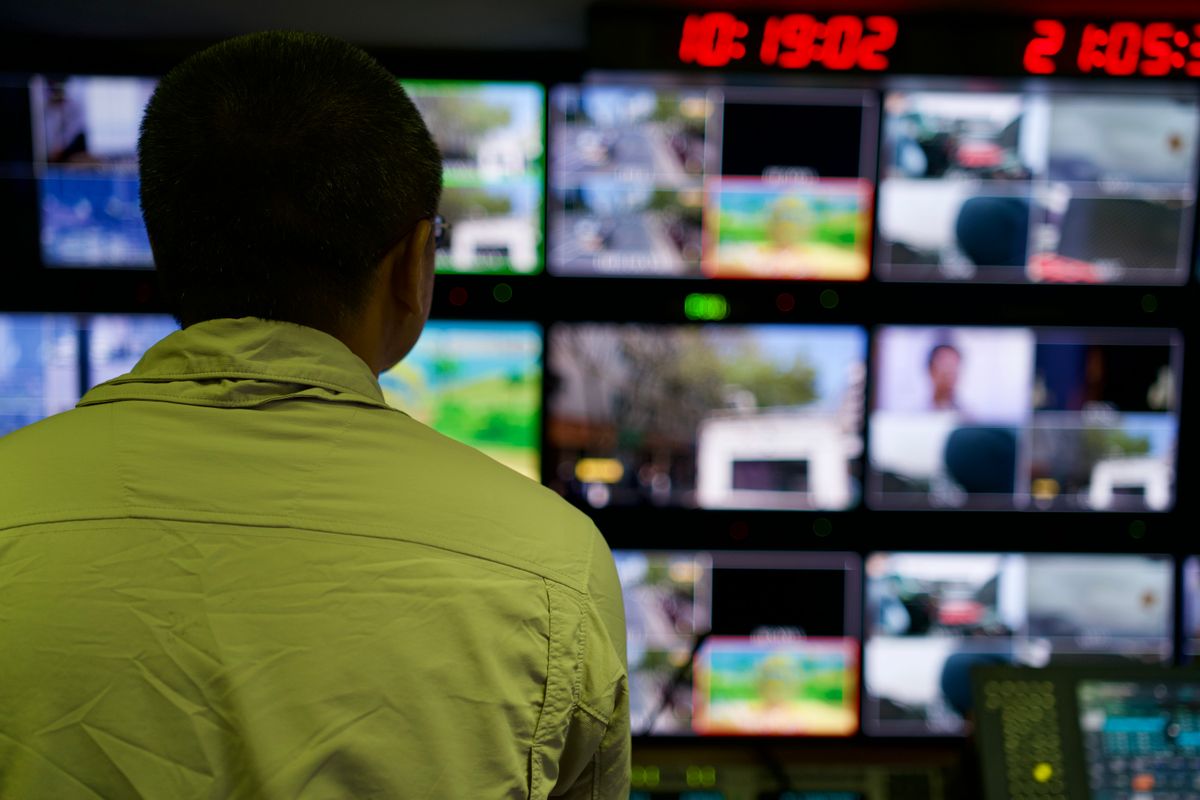
A projector is one output. A venue needs several, showing different things. Each display now picks its own source.

A camera at the far end of town
A phone can be a camera in your building. It can also be a camera somewhere else entirely... and that turns out to solve problems nobody bought it for.
Who Broadcasteer is not for
I built this for small teams running live days on ordinary hardware. Here are the situations where something else is the better answer, and why.
Your new volunteer has fifteen minutes
Most AV teams lose people during training rather than during the work. Here is how to bring someone onto a live production team without a course.
What you can do with one phone and a laptop
The smallest real setup: one phone as a camera, one laptop, and the free tier. Here is exactly what that gets you and where the limits actually are.
The volunteer who left
Somebody ran your desk for years and then stopped. Usually it was not the work. Here is what actually drives people out, and what a team can do about it.
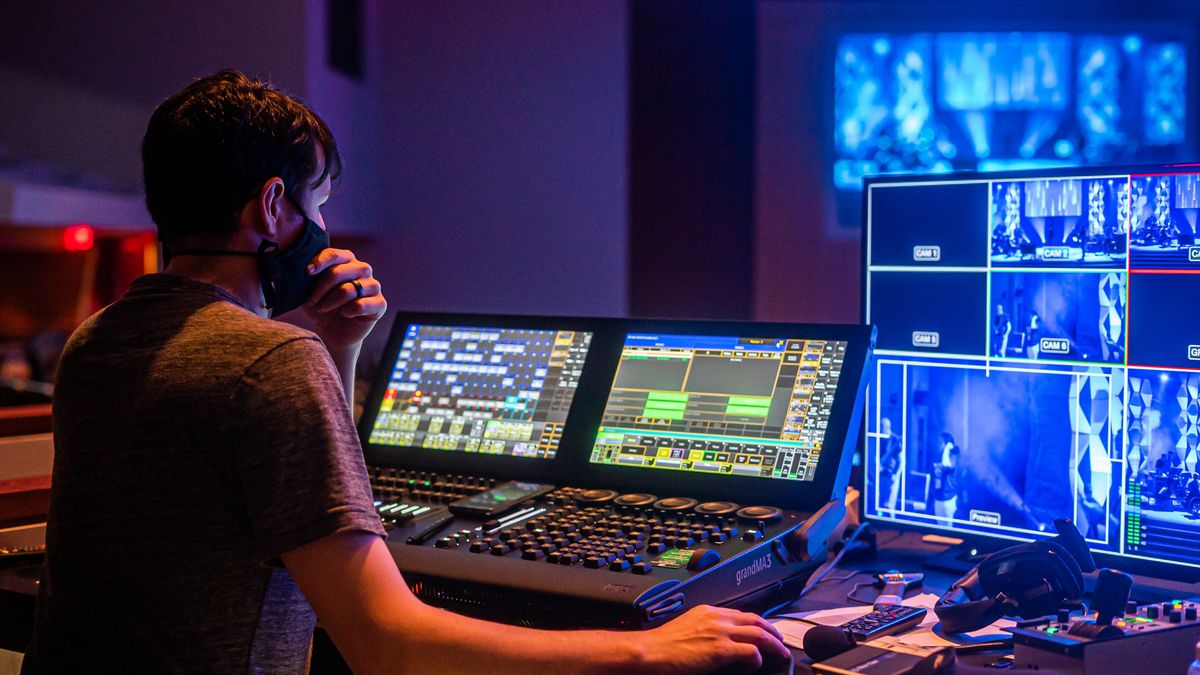
A live day, from setup to shutdown
What running a live production actually looks like hour by hour, for a team that does this once a week and has other things to do.
Our own website was the slowest thing we shipped
I build streaming software and my marketing site was sending 173 MB of video to every visitor. Here is the audit, the fix, and why I never noticed.
The gear was never the bottleneck
Most venues that cannot stream reliably do not have an equipment problem. They have a people problem wearing an equipment costume... and gear does not fix it.
FREE opens the Studio... no watermark, no timer, one camera
A FREE account now opens the full Studio. One camera, 720p, 30 fps, with no watermark and no time limit. The pricing page promised it; now the code agrees.
How to arrange a song the way the band actually plays it
Verse, chorus, verse, chorus, chorus, bridge... set a song's real order once, and every screen follows it. Blocks or Sequence, explained.
Running the plan from your pocket
The desk is at the back of the room, facing away from everything that matters. Sometimes the right place to operate from is not a desk at all.
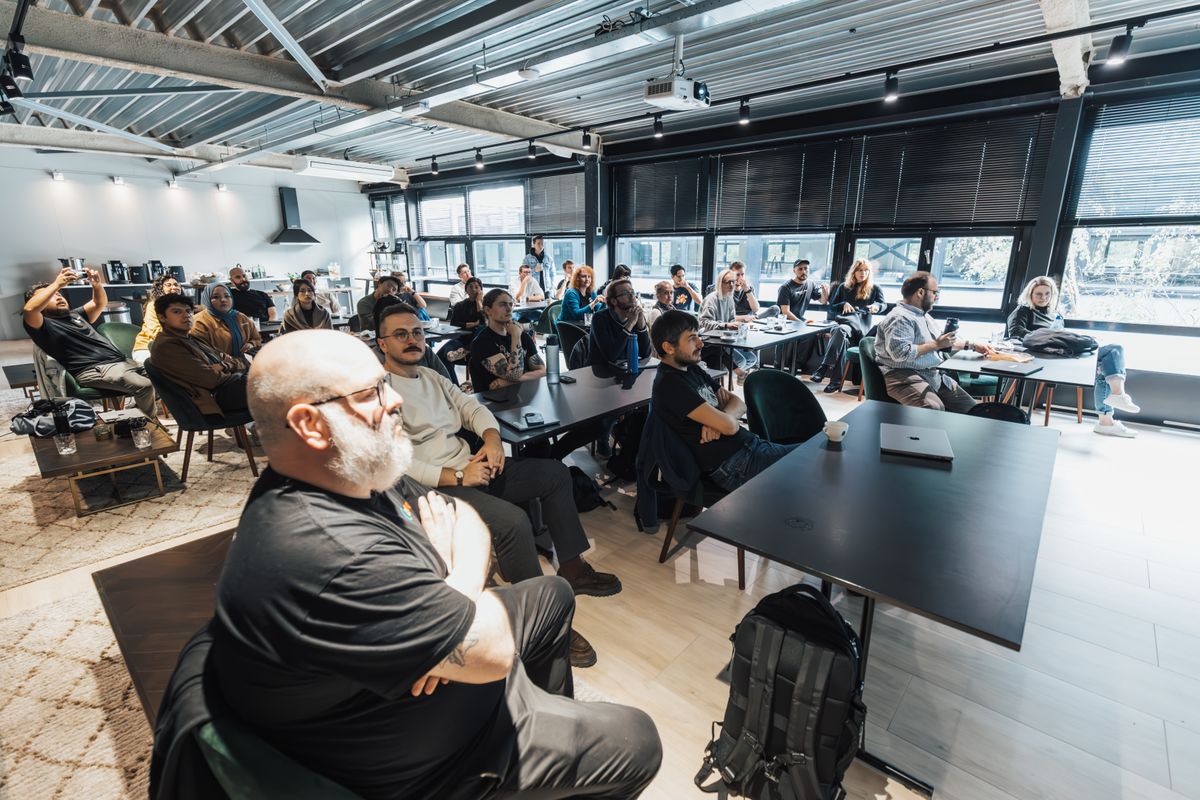
The overflow room problem
You have run out of seats and there is a hall next door. Sending the service into that room is a different problem from streaming online, and simpler than most people assume.
Nobody worships Slide 29
Why Broadcasteer navigates songs by structure (Verse, Chorus, Bridge) instead of slides, and what I learned watching operators get lost in the grid.