
The short answer
- At the Studio computer, check that Stream Cloud is set up: your address, a title for the watch page, and a viewer PIN if the group is private.
- Enrol the phone that will go to the meeting, using an invite from the Studio. It is remembered for about three months.
- At the meeting, open the camera link on that phone, prop it up in the middle of the group and plug it in.
- Turn the phone's microphone processing off on its tile in the Studio, so the whole group is heard, not just the person nearest the phone.
- Stream for longer than five minutes. When you stop, the meeting is kept in the library.
- Afterwards, copy the link to that one service and send it to whoever missed it.
Phone cameras over the internet work on every Broadcasteer tier. Streaming to your own church address with Stream Cloud, and keeping the recording in the library, needs MAX with the Stream Cloud add-on, and is included on ALPHA.
How the pieces fit
Three parts, each doing one job:
The phone is the camera and the microphone. It sends its picture and sound over the internet to your church's Studio.
The Studio computer stays at base, usually at church, with the Local Server running. It receives the phone, and sends a single stream out.
Your church address, the one that looks like yourchurch.broadcasteer.com, is where people watch. Any phone, tablet or TV browser plays it. No app, no account. However many people watch, the Studio sends one stream.
Nothing heavy goes to the meeting. No laptop, no capture card, no cables. One phone and a charger.
Before the day
Check your Stream Cloud settings. In the Studio, open Settings › Stream Cloud. Your address is on the left, with the watch page's Title and Description and the optional Viewer PIN.
Decide on a PIN. A cell group is personal. People pray about things they would not say to a stranger. Unless the meeting is meant to be public, set a PIN of four to eight digits and give it to the people who should watch. The PIN protects the live stream and every past recording at that address.
Enrol the phone. If enrolment for internet devices is set to Required in Settings › System & Network › Remote Sources (and it should be, once your address is public), the phone needs a one-time invite: an invite link, then an authenticator code, and it is remembered for about three months. Do this at church during the week, not at the meeting.
Choose 720p. For a phone in a living room, 720p is plenty, lighter on the connection at both ends, and it is the copy the library keeps for as long as your address is active.
At the meeting
- Plug the phone in. A long stream drains a battery quickly, and many phones start saving power in ways that affect the connection when the battery is low.
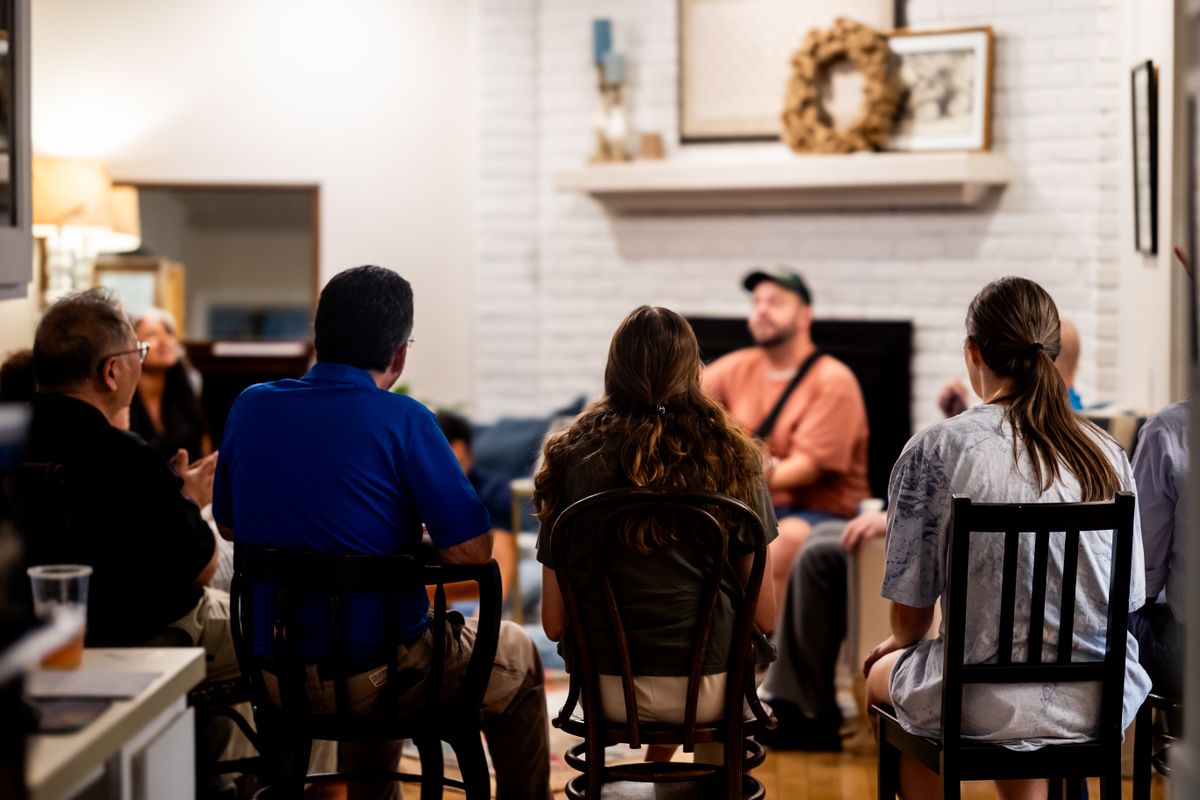
- Put it in the middle of the circle, at table height, landscape, on something steady. A small tripod or a stack of books both work.
- Keep it away from the fan and the kitchen door. They are louder to a phone than they are to you.
- Open the camera link and let it connect. On the Studio side, its tile appears.
- Leave the phone alone. Turn off auto-lock if you can, and ask people not to use it.
The microphone setting that matters most
Phones assume they are on a video call. They switch on noise suppression, echo cancellation and automatic level, and those settings keep the nearest voice and treat everyone else as background noise.
The first long stream from a cell group taught me that the hard way. My voice came through clearly. Everyone else was faint or missing.
On the phone's tile in the Studio there are three switches: Noise suppression, Echo cancellation and Auto gain control. They start off. For a group, leave them off. If the phone is an iPhone, some of them are drawn dashed because the browser does not allow them to be changed; that is expected.
The guide How to use a phone as the microphone for a small group goes into placement and settings in more detail.
Starting and stopping
Someone at base starts the stream from the Studio as usual, with Stream Cloud on. The watch page shows it as live within moments, with your title and description underneath.
A few things to know:
Five minutes is the threshold. Anything shorter is treated as a test and not kept. A real meeting will be well past that.
The phone may drop and come back. If the connection falters, the phone reconnects by itself. Viewers see a pause rather than a finished stream.
Stop at the end. When the stream stops, the meeting is finalised and appears in the library.
Afterwards
In Settings › Stream Cloud, the meeting now appears in the library. The first real run of this setup, a cell group streamed for two hours and thirty-two minutes, came in as one service of about four gigabytes at 720p.
- Rename it to something people will recognise: "Thursday cell group, 11 September".
- Copy link and send it to the people who missed it. The PIN still applies.
- Delete it if the group would rather it was not kept. Delete lives only in the Studio, and it is permanent.
When this is the wrong setup
If everyone needs to talk. A discussion where people at home join in belongs on a video call. This setup is for watching.
If there is music. One phone microphone in a room with a guitar and singing will sound thin. Take a proper audio feed, or accept that it is a record of the meeting rather than a performance.
If the phone has a weak connection. A phone on one bar of signal in a back bedroom will struggle to send a steady picture. Try it from the actual spot the week before.
Everything above has been done with one phone and one charger. That is the whole kit.