
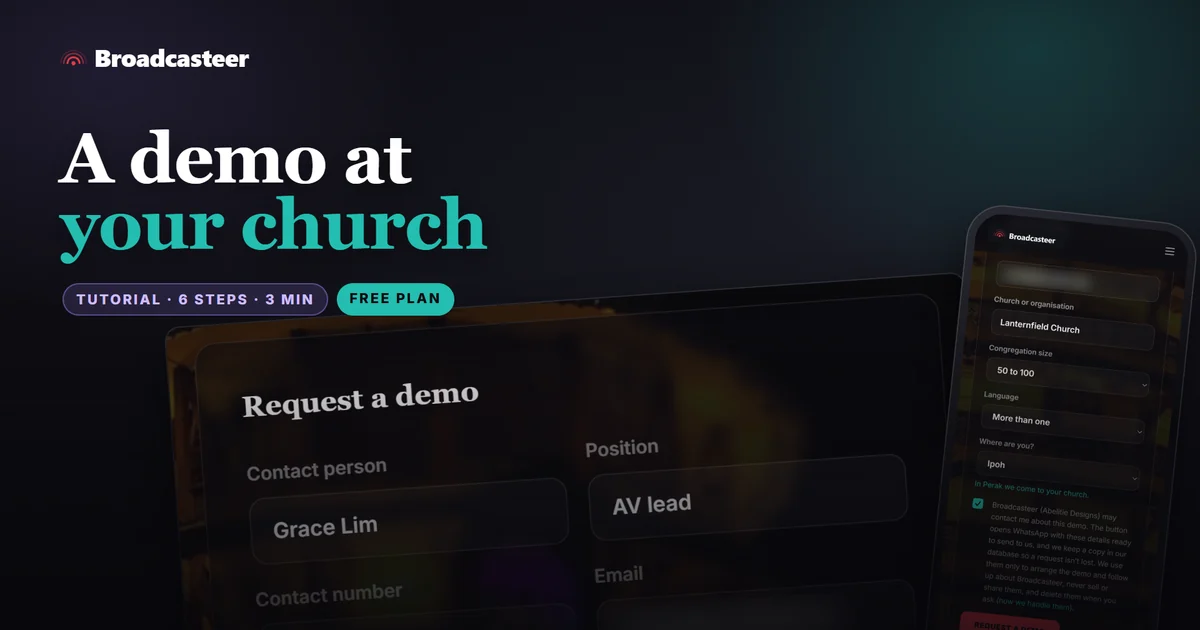
Time: about 3 minutes · Plan: none needed, and no account either · You'll need: WhatsApp on your phone or computer, your church's details
Fill in Request a demo on broadcasteer.com, on the Contact page or at the bottom of the homepage. Press the button and WhatsApp opens with your details already written in, then press Send there. If your church is in Perak, I come to your church and show you Broadcasteer there. Anywhere else, we talk first and find the best way to show you.
Step 1: Open Request a demo
Go to the Contact page. The Request a demo form is on the left, under In Perak? We'll come to you. The same form sits in the last section of the homepage, In Perak?, and Request a demo in the footer brings you back here.

If you only have a question, Message us on WhatsApp under Just a question? skips the form.
Step 2: Say who you are and which church
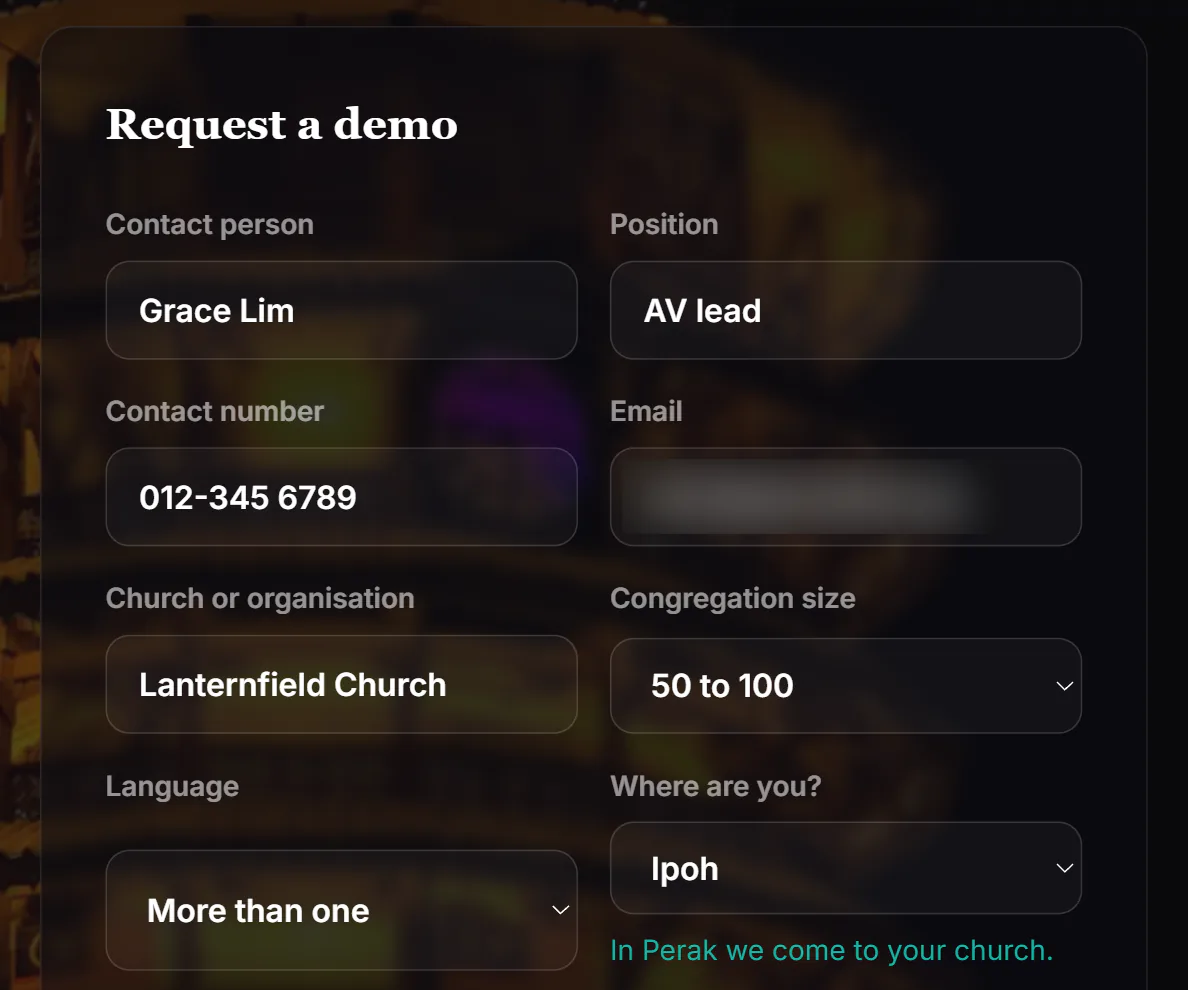
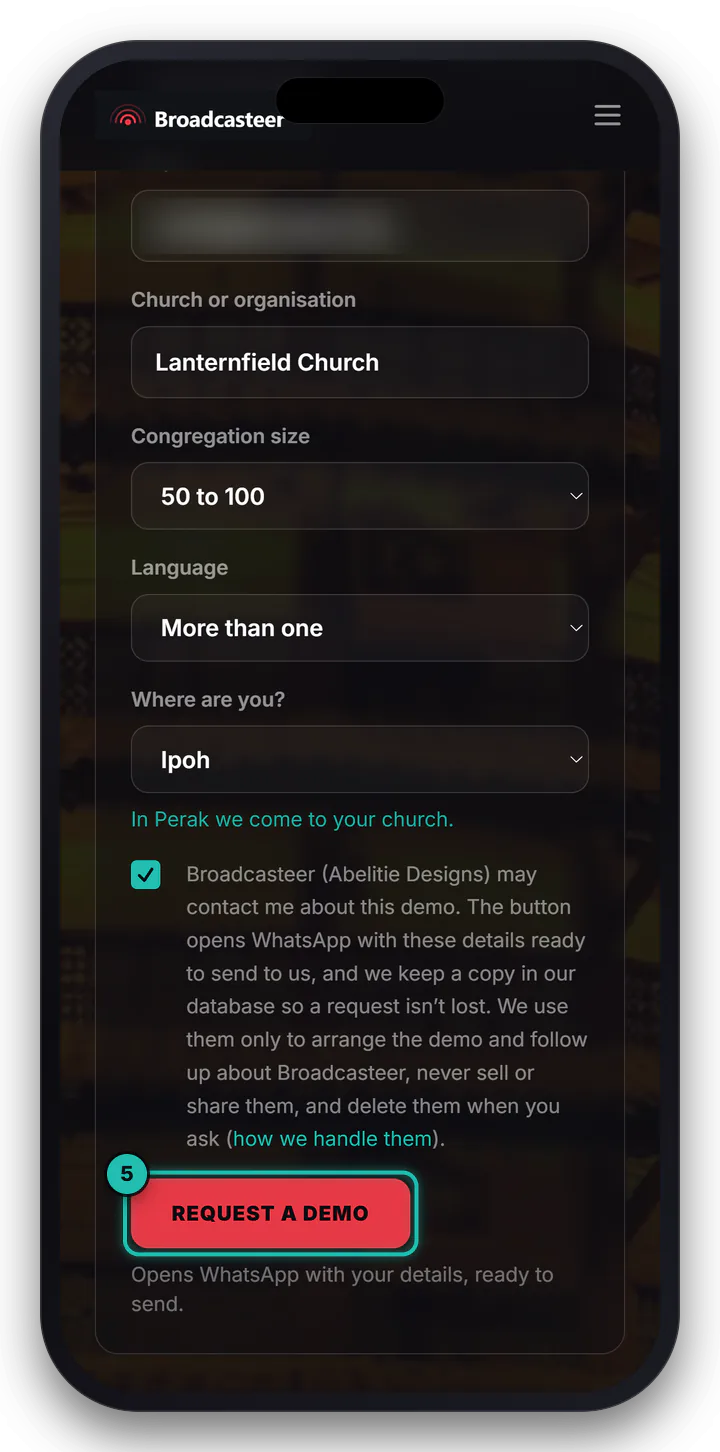
Every box is needed except the note. Contact person is who I should ask for, and Position is their role: pastor, AV lead, media team. Add a Contact number and an Email, then your Church or organisation, roughly how many come under Congregation size, and the Language your services run in, or More than one.
Step 3: Choose your town
Open Where are you? and pick your town. The 35 Perak towns are listed A to Z. Pick one and the line under it reads In Perak we come to your church.
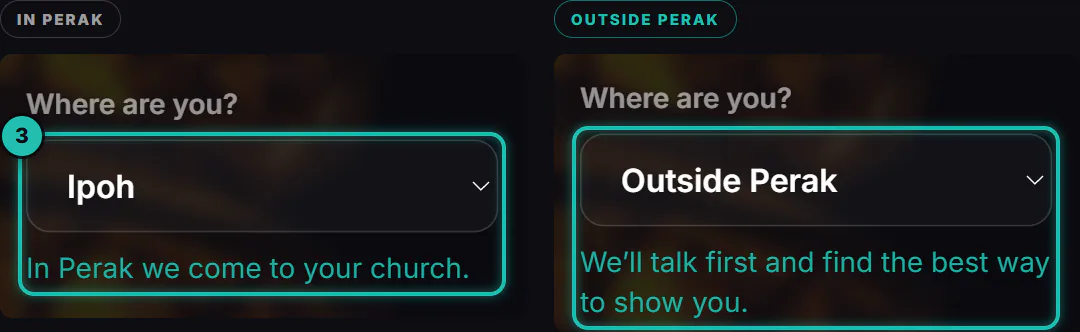
Pick Outside Perak and a second Where are you? box asks you to type the place, and the line changes to We'll talk first and find the best way to show you.
If your town isn't listed, pick Another town in Perak and type it under Which town?
Step 4: Add a note, then tick the box
On the Contact page there's one more box, Anything we should know? (optional). How many cameras you have in mind, which rooms, when your services are... whatever you'd like me to know before we talk.
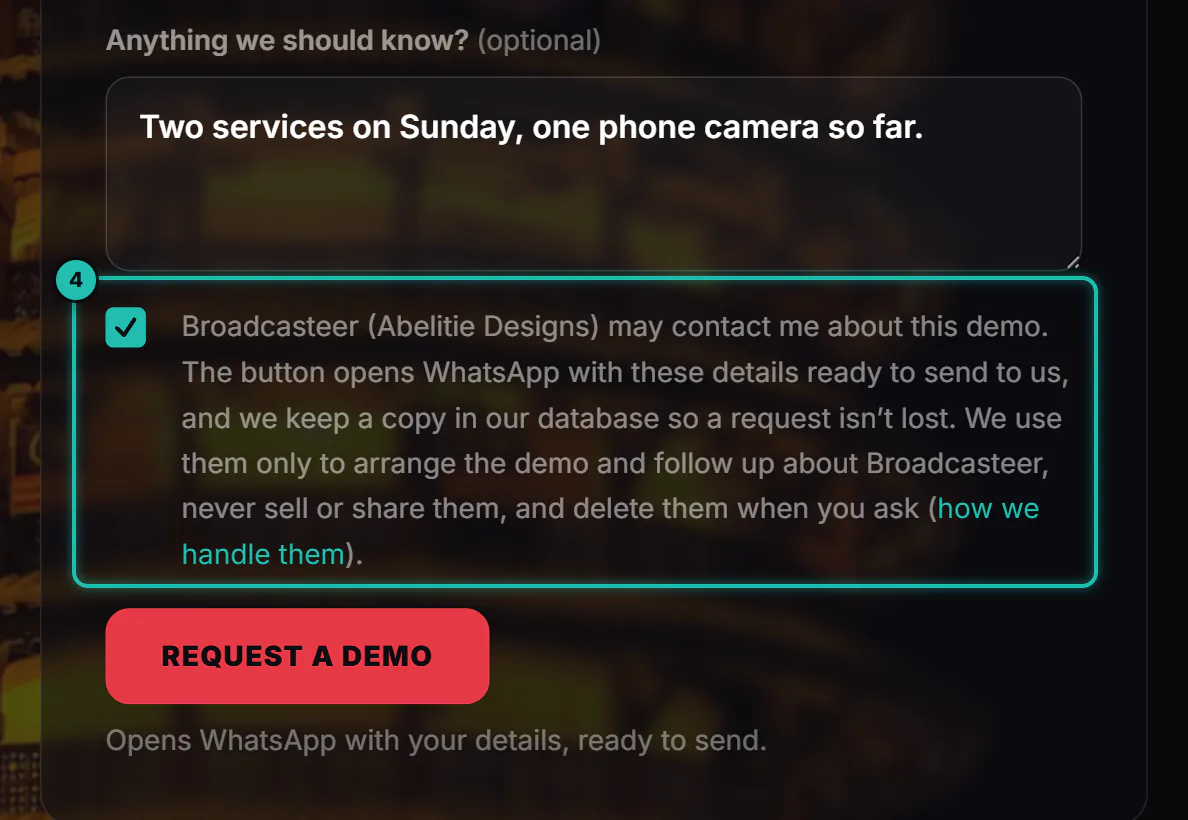
Then tick the box. It says what happens to your details: they go to WhatsApp ready to send, a copy is kept so a request isn't lost, and they're used only to arrange the demo and follow up about Broadcasteer. Never sold or shared, and deleted when you ask.
Step 5: Press Request a demo, then Send in WhatsApp
Press Request a demo. WhatsApp opens with your request written in: a first line asking for a demo for your church and town, then each detail on its own line. Press Send there. That's the moment it reaches me.
Back on the page, the form has turned into Now press Send in WhatsApp., with Open WhatsApp again in case you closed it too soon. On a computer, WhatsApp opens in a new tab.
Step 6: We talk, then you see it
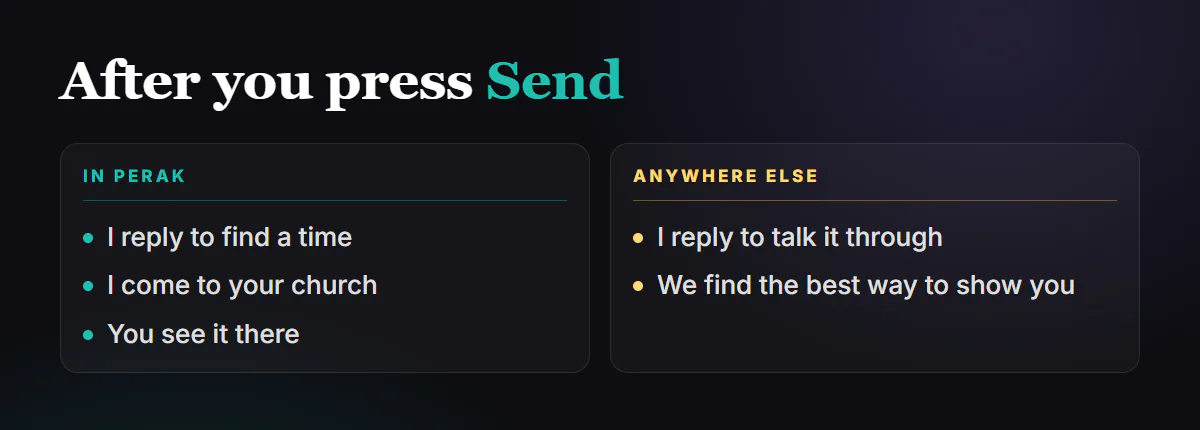
I reply. In Perak, it's to find a time to come to your church (I'm based in Sitiawan), and you see Broadcasteer there, in your own building. Anywhere else, we talk it through first and find the best way to show you.
If it doesn't work
- A box turns red when you press Request a demo. The line under it says what's missing: a number needs at least 7 digits, an email needs to look like one, and every box but the note needs filling in. Fix it and press again.
- The form says Please agree so we can contact you. Tick the box above the button, then press Request a demo again.
- WhatsApp didn't open. Your browser stopped it. The page says One more step: open WhatsApp. Press Open WhatsApp, then Send.
- You closed WhatsApp before sending. Press Open WhatsApp again on the page. Your details are still written in.
Next
Rather try it yourself first? The free plan installs without a demo.