
Start smaller than you think
The most common reason a venue does not stream is that the perceived starting cost is a project: cameras, a capture card, a switcher, a dedicated machine, and someone who understands all of it.
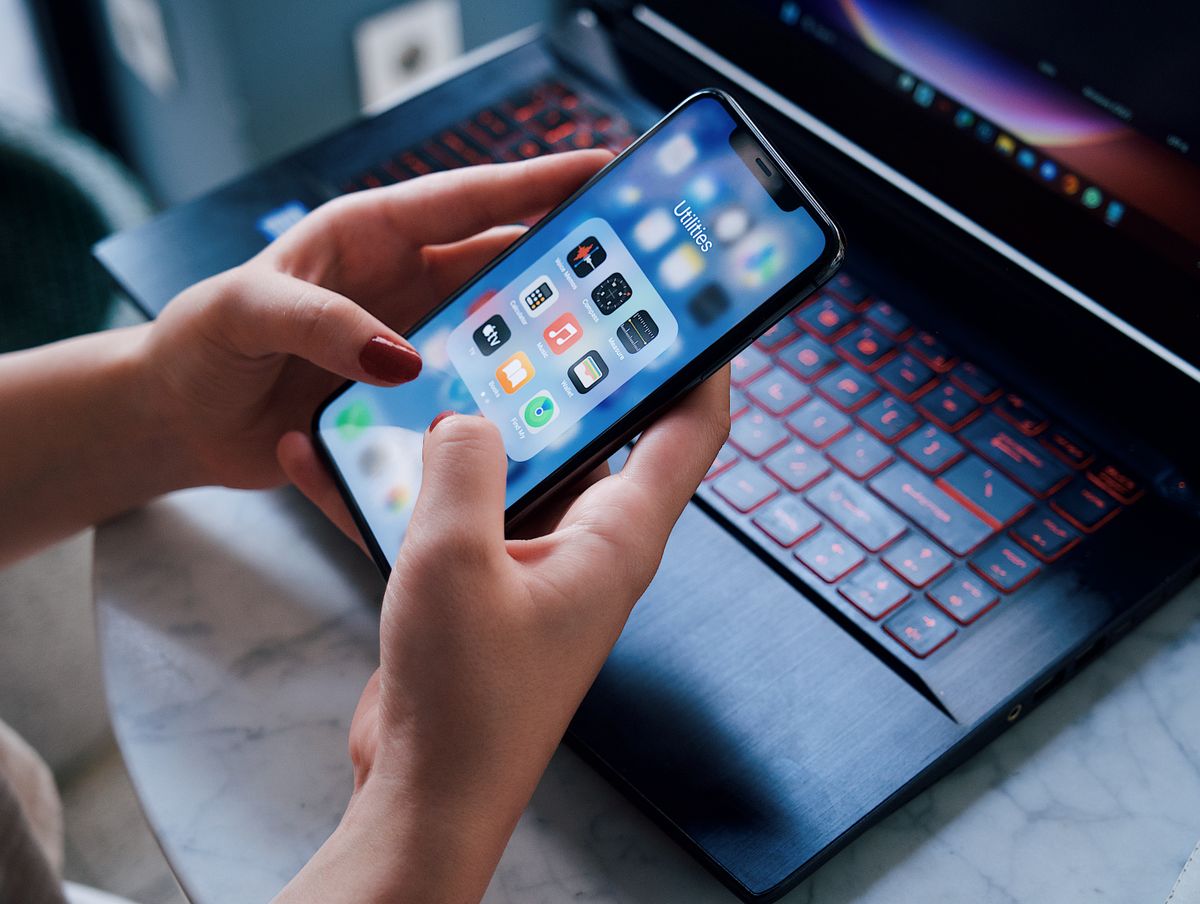
The actual starting cost is a phone somebody already owns and a laptop.
This article is about that minimum setup... what it genuinely does, and where the limits are, stated plainly enough that you can decide before you invest an evening.
The setup
One laptop running the software. Windows, and something reasonably current. If it opens a browser and has a USB port, it will run.
One phone as the camera. iPhone or Android. No app to install... it joins through the browser using a link or a scanned code, and it becomes a wireless camera on your network.
Your existing internet connection, for streaming out.
That is the entire hardware list. No capture card, no cabling to the camera position, no separate encoder.
What that actually does
On the free tier, without paying anything:
A live stream to YouTube or Facebook. One click, 720p, no capture card and no separate encoding software. The stream carries whatever your program output is showing.
A local recording, simultaneously. This surprises people, so it is worth stating clearly: recording is not a paid feature. Every tier records, and the file lives on your laptop.
Song lyrics on the projector and the stream. Songs are built and navigated by structure (Verse 1, Chorus, Bridge), so you jump by section rather than hunting through slides. Bilingual and trilingual lyrics work too, with the languages stacked on one screen.
Bible passages. Two translations are bundled. Pick a range, step verse by verse, and the reference appears on every output.
Presenter decks. PowerPoint files, PDFs and image folders. There is also timed cycling, so a lobby loop can run itself before anyone arrives.
A projector output. The stage composite goes to any display you plug in.
Network output to other software. If someone in your building already runs other production software, your program is available to it as a network source. That is on the free tier too.
Where the limits actually are
Being straightforward about this, because discovering a limit mid-service is the worst way to find it.
One camera at a time. This is the real constraint of the free tier. You can switch what that camera looks at by moving it, but you cannot cut between two angles. Paid tiers raise this to three, then five.
720p rather than 1080p. Perfectly watchable on a phone or a laptop, and noticeably softer on a large television. Most viewers on most devices will not notice; a few will.
No hardware encoding. The laptop's main processor does the compression rather than handing it to the graphics chip. On a capable machine, fine. On a modest one, this is the thing most likely to make it struggle, because it is the most expensive work in the chain.
No automatic lip-sync calibration. You can align audio manually and it will hold, but the measured one-pass version is a paid feature.
No exposure control from the booth. The phone decides its own exposure and focus. Usually fine; occasionally annoying when someone walks past a window.
What one camera is genuinely enough for
More situations than people expect.
A talk, a sermon, a lecture. One well-placed camera on the speaker is the entire shot. Cutting between angles adds production value; it does not add comprehension.
A small room where the whole thing fits in frame. If a single wide shot captures what matters, a second camera is decoration.
A first attempt. Nearly every venue that streams well today started with something smaller than what they run now. Beginning with one camera means beginning, which beats planning a three-camera setup that never gets built.
A stream nobody has asked for yet. If you are not sure anyone will watch, find out cheaply. The people who do watch will tell you what to improve, and their answer is frequently not "more cameras."
When you will actually feel the ceiling
You will want a second camera when the thing you are showing changes location... a speaker who moves to a different part of the room, a band as well as a preacher, anything where the interesting thing is not always in the same place.
You will want 1080p when people watch on large screens and mention it.
You will want hardware encoding when your laptop gets hot and the stream starts stuttering under load.
Notice that all three of those are things you discover by running, not by planning. Which is the point of starting here.
Doing it this week
- Pick your one camera position. Where the important thing is, framed so it stays in shot without anyone touching it.
- Test with the room empty, then test again with people in it. The second test is the real one... a room full of phones is a busier network, and that is when problems appear.
- Record before you stream. Do a full run recording only. You will learn where the problems are without an audience seeing them.
- Stream to somewhere quiet first. An unlisted stream you watch back afterwards teaches you the same lessons with none of the exposure.
- Then announce it.
The honest summary
The free tier is not a demo with the useful parts removed. It is a genuinely small but complete production: one camera, lyrics, Bible, decks, a stream and a recording.
Its limits are real and specific (one camera, 720p, software encoding) and they are the limits you would hit next anyway.
If you have been waiting to start until you can afford to do it properly, the thing you are waiting for costs less than you think, and it is already in someone's pocket.