
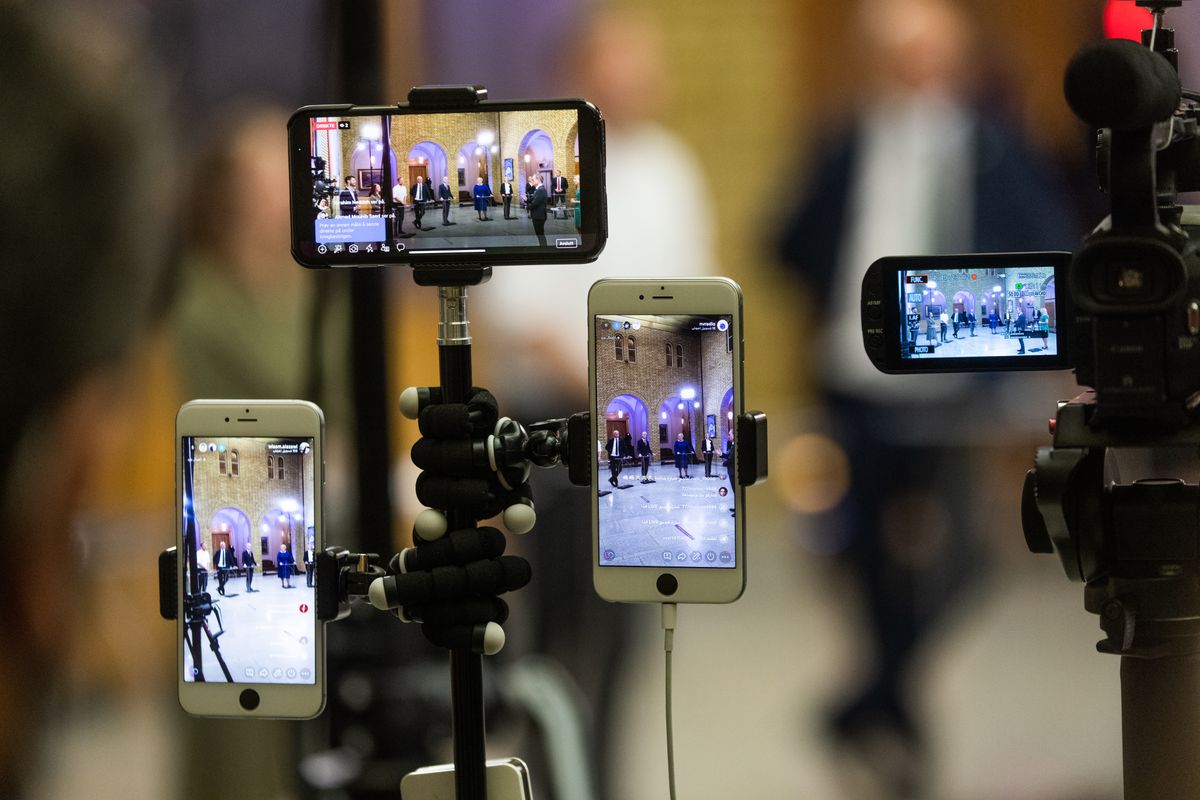
The upgrade path nobody can afford
Ask how a small venue is supposed to grow its camera setup and the standard answer assumes money arriving in useful quantities.
Start with one camera. Later, buy a second matching one. Later still, a switcher with enough inputs. Eventually a matched set.
Real venues do not work like that. What actually happens:
- Someone donates an old camcorder
- There is a webcam in a drawer from a period when everyone bought webcams
- Two volunteers have phones
- Somebody's DSLR could be used if there were a way to get it in
- The building already has a camera from an earlier project nobody documented
That is a genuine, useful set of equipment. And in most systems it is unusable together, because each piece needs a different route in.
What "everything is a tile" means
If the software treats every input the same way once it has arrived, the differences stop mattering.
A phone joining over the network. A webcam on USB. A DSLR through a capture device. A camera already on the building's network. Once each is a source, each one:
- Appears in the same grid
- Switches the same way
- Can be cut to, previewed, framed
- Is recorded the same way, if you record per camera
The operator does not have to remember that camera three is different. It is camera three.
Why this matters more than matched cameras
The conventional wisdom is that cameras should match, for consistent colour and image character. That is true, and it is what a facility with a budget does.
For a venue assembling what it has, it is the wrong optimisation. A mismatched set that works beats a matched set you cannot afford, and the difference between them is not close on a stream that most people watch on a phone.
Colour differences between sources are real and mostly correctable enough. The alternative, waiting until you can buy three of the same thing, usually means running one camera for another two years.
The practical version
Use what is in the building. The webcam, the old camcorder, the phone. Try each and see whether it earns a position.
Put the best camera on the most important shot. If one source is noticeably better, it goes on the thing people look at most. The weaker ones cover the angles you cut to occasionally.
Do not chase matching. Get the framing right and the exposure roughly consistent, and stop. Nobody watching is comparing colour science.
Wire the ones that never move. A camera in a fixed position does not need to be wireless, and taking it off the network returns capacity to the cameras that do.
Accept that some things will not work. Very old equipment, obscure connectors, a camera whose output nothing will accept. Try it, and if it does not work in five minutes, put it back in the drawer.
The failure this avoids
The specific failure worth naming: a setup where each camera is a special case.
That happens when sources arrive by different routes and each needs its own knowledge to operate. Camera one is the phone, and if it drops you rejoin the link. Camera two is the capture card, and if it drops you check the driver. Camera three is the network camera, and nobody remembers how that was set up.
Now the system requires one person who knows all three, and you have created exactly the concentration of knowledge that makes a venue fragile.
If every source behaves the same way once it is in, that problem does not arise. A camera that is not working is a camera that is not working... the same troubleshooting, the same recovery, regardless of what kind it is.
The reframe
The useful question stops being "what can I plug into this" and becomes "what do I have".
Most venues have more usable equipment than they think. It is scattered, mismatched, and some of it was bought for something else. The barrier is rarely that the equipment is inadequate... it is that no single system would take all of it at once.
Once one does, the upgrade path stops being a purchase order and starts being an inventory.