
What is available
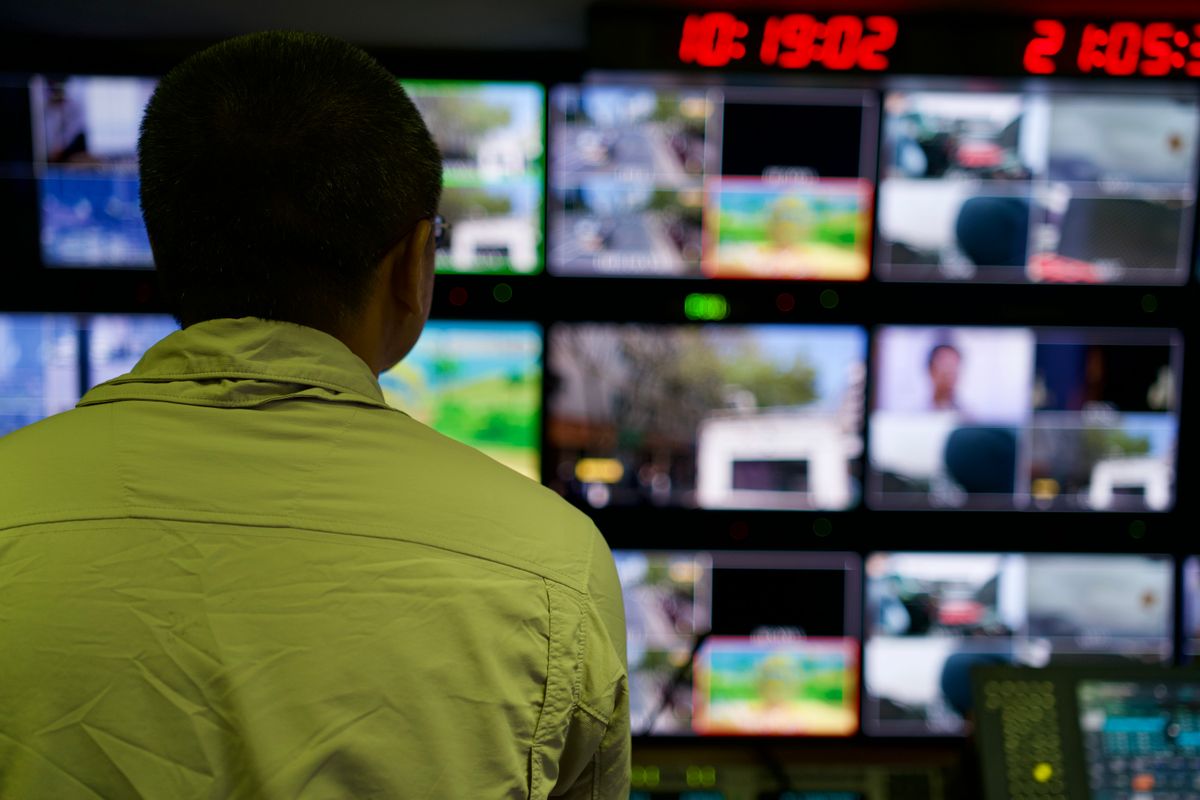
Output Matrix lets each connected display choose its own source: Stage Clone, Stage Monitor, a camera, Multiverse, or Pulpit-View.
Up to eight displays per machine on MAX and ALPHA. FREE and PRO drive one.
What changes
Most presentation software has one idea of "the output"... a projector, showing what the congregation sees. A second screen usually shows a mirror of it.
A real venue does not want a mirror. Look at what the screens in a building are actually for:
The congregation screen shows the program... lyrics, video, whatever the room is watching.
A stage monitor shows the platform something different: the current line, a countdown, a message meant only for them.
The lectern wants a different thing again: what is on screen behind them, where they are in the plan.
A lobby screen may want something else entirely, or a loop that runs before anyone arrives.
The operator's second screen wants everything at once... every camera, program, what is next.
Five screens, five different jobs. Mirroring serves one of them.
The principle underneath
The rule we kept arriving at while building this: show each person exactly the subset they can act on.
Give the speaker the operator's view and they are reading camera tiles instead of the room. Give the operator only the program feed and they cut blind. Give the congregation a confidence monitor and you have put the machinery on the wall.
Each screen faces a person with a specific job. The content should match the job.
Who benefits
Venues with more than a projector. Which is most of them, once you count a stage monitor and a lobby screen.
Anyone currently running a second machine to drive a second screen. That is a common workaround... a whole extra computer, its own copy of the plan, and someone keeping the two in step. One machine driving eight displays removes the second machine and the synchronisation problem with it.
Rooms with an awkward shape. A balcony screen, a side aisle display, a screen in a room off the main hall.
Anyone who has ever mirrored a projector to a stage monitor and watched a speaker read a countdown intended for the congregation, or the congregation read a message intended for the speaker.
What it asks of your machine
Being straight: every additional output is more work.
Eight displays is not free. Each one is composed and driven, and it competes with encoding, recording and everything else. A modest laptop driving eight outputs while streaming and recording is asking a lot.
The honest guidance: add outputs when you have a use for them, not because the number is available. Three well-chosen displays on a comfortable machine is better than eight on a struggling one.
Practical notes
Identify displays properly, not by position. A display identified by its slot in a list points somewhere else the moment someone rearranges the monitors... and nothing errors, because from the software's view it asked for a display and got one.
Check the output after any change to the arrangement. Adding, removing or repositioning a display can renumber things. This includes changes for unrelated reasons.
Verify before the event, not during. Look at what is actually going out. Settings can be correct while the result is wrong.
Be suspicious after special events. The Wednesday setup that borrowed a monitor is why Sunday is wrong.
Start with three
If you are setting this up for the first time, the useful starting set is smaller than the maximum.
The congregation screen, showing the program. A stage monitor, showing the platform what they need. The operator second screen, showing everything at once.
Those three cover most venues completely, and each one has a clear job. Add a fourth when a specific room or person needs something the first three do not give them... a lobby display, a lectern companion, a screen in a side room.
The failure mode with eight available outputs is filling them because they exist. A screen showing something nobody needs is a screen someone has to keep correct, and it is one more thing to check before every event.
Available now... one display on FREE and PRO, up to eight on MAX.