
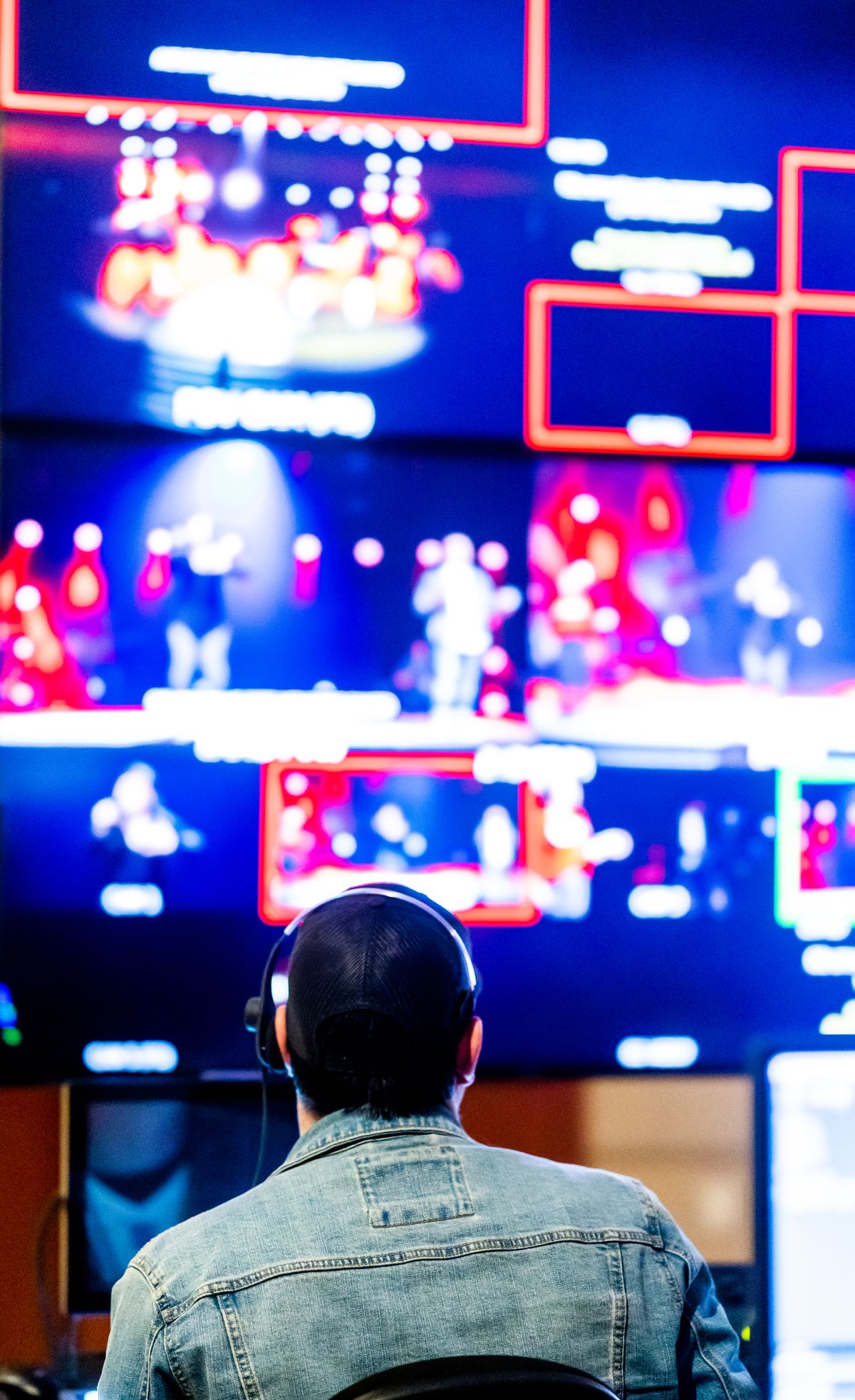
What the operator has to know
At any moment during a live production, the person at the desk needs four things in their head:
- What is going out right now
- What every camera currently sees... including the ones not on screen
- What is next in the plan
- Whether anything is wrong
Miss the first and you do not know what the audience is watching. Miss the second and you cut to a shot that is out of focus or pointing at a wall. Miss the third and you are always reacting. Miss the fourth and you find out from a complaint.
The traditional answer
Broadcast solved this with hardware: a monitor per source, plus a program monitor, plus a preview monitor, arranged in a wall the operator faces.
It works. It also costs a display per camera, physical mounting, cabling to every one, desk space, and a rack to drive them. For a facility with a budget, that is fine and it is what they buy.
For a venue where the production runs on one laptop on a table at the back, it is not available at any price... because the constraint is not money alone, it is that there is nowhere to put it and nobody to install it.
Everything on one surface
A multiview puts every source in a grid on a single display. Cameras, program, what is queued, whatever else matters... all visible at once.
That gets a venue the situational awareness of a monitor wall on hardware they already have. The tiles are smaller than dedicated monitors, which sounds like a compromise and mostly is not... you are checking whether a shot is framed and in focus, not colour grading it.
What it buys, practically:
You stop cutting blind. The commonest small-venue error is cutting to a camera without knowing what it is currently pointing at. If every camera is visible, that error disappears.
You see problems on cameras that are not live. A camera that has frozen, drifted, or been knocked is visible before you cut to it rather than after.
You can see the plan and the room together. What is next stops being something you remember and becomes something you can see.
The speaker's version
The same idea, pointed at a different person.
A speaker at the front needs a much smaller set of things: what is on screen behind them, where they are in the plan, and any message meant for them. They do not need camera tiles... those would be a distraction, and they belong to the operator.
So a companion screen at the lectern is a different composition of the same principle: show each person exactly the subset they can act on.
This is worth stating as a rule, because it is easy to get wrong in both directions. Give the speaker the operator's view and they are reading camera tiles instead of the room. Give the operator only the program feed and they cut blind.
What to put on it
If you are setting one up, in priority order:
Program output first, and largest. What the audience is getting is the thing you must never be wrong about.
Every camera, at whatever size fits. Small is fine. You are checking framing and focus, not evaluating quality.
What is next. The upcoming item, so the plan is visible rather than remembered.
Status, small and unobtrusive. Recording running, stream connected. Present when you look, silent when you do not.
What to leave off: anything you would not act on during the event. A metric that produces no decision is taking space from something that would.
Practical notes
A second display is enough. This does not need a dedicated screen... a cheap second monitor beside the laptop covers it.
Position it where a glance works. If checking the multiview requires turning away from the room, you will stop checking it exactly when you most need to.
Do not make it the only view. The room is still the primary source of information. A multiview tells you what the cameras see; it cannot tell you the speaker is about to move.
Check it during a quiet moment, not a busy one. Build the habit during a song, so it is automatic when it matters.
Why this matters more than it sounds
The gap between a production that feels smooth and one that feels ragged is usually not equipment. It is whether the operator was ahead or behind.
An operator who can see everything is ahead... they cut to a shot they already know is good, they know what is coming, they notice the problem before it is on screen. An operator watching only the program feed is behind by definition, discovering the state of each camera at the moment they cut to it.
That is a large difference in outcome, produced by a difference in what is visible. Which is why I thought it was worth solving even when a wall of monitors is not an option... and it turns out one spare screen covers most of it.